
How to Manage Catering Orders with POS in Singapore
Learn to manage catering orders with POS in Singapore: handle large off-site quotes, GST invoices, delivery schedules. Step-by-step for F&B owners juggling 50+ pax events amid IRAS rules.
How to Manage Catering Orders with POS in Singapore
Your Tanjong Pagar bistro just got a call for 80 pax office lunch tomorrow—chicken rice, satay, sambal prawns, delivered to Raffles Place by 12pm. Quote? Invoice? Delivery slot? Staff roster? Without a system, you're WhatsApp-ing suppliers, Excel-ing menus, and praying stock holds.
Catering makes up 15-25% of revenue for mid-sized SG F&B like bistros or zi char stalls, especially post-2024 office return.[7] But manual handling risks overbooking, GST errors, and late deliveries that kill repeats. POS changes that: centralises quotes into orders, auto-generates IRAS-compliant invoices, slots deliveries, tracks prep.
This tutorial walks you through it for Singapore ops—regs, workflows, tools. Fits 2-20 staff outfits pulling S$50k-200k monthly.
Step 1: Set Up Catering as a Menu Category
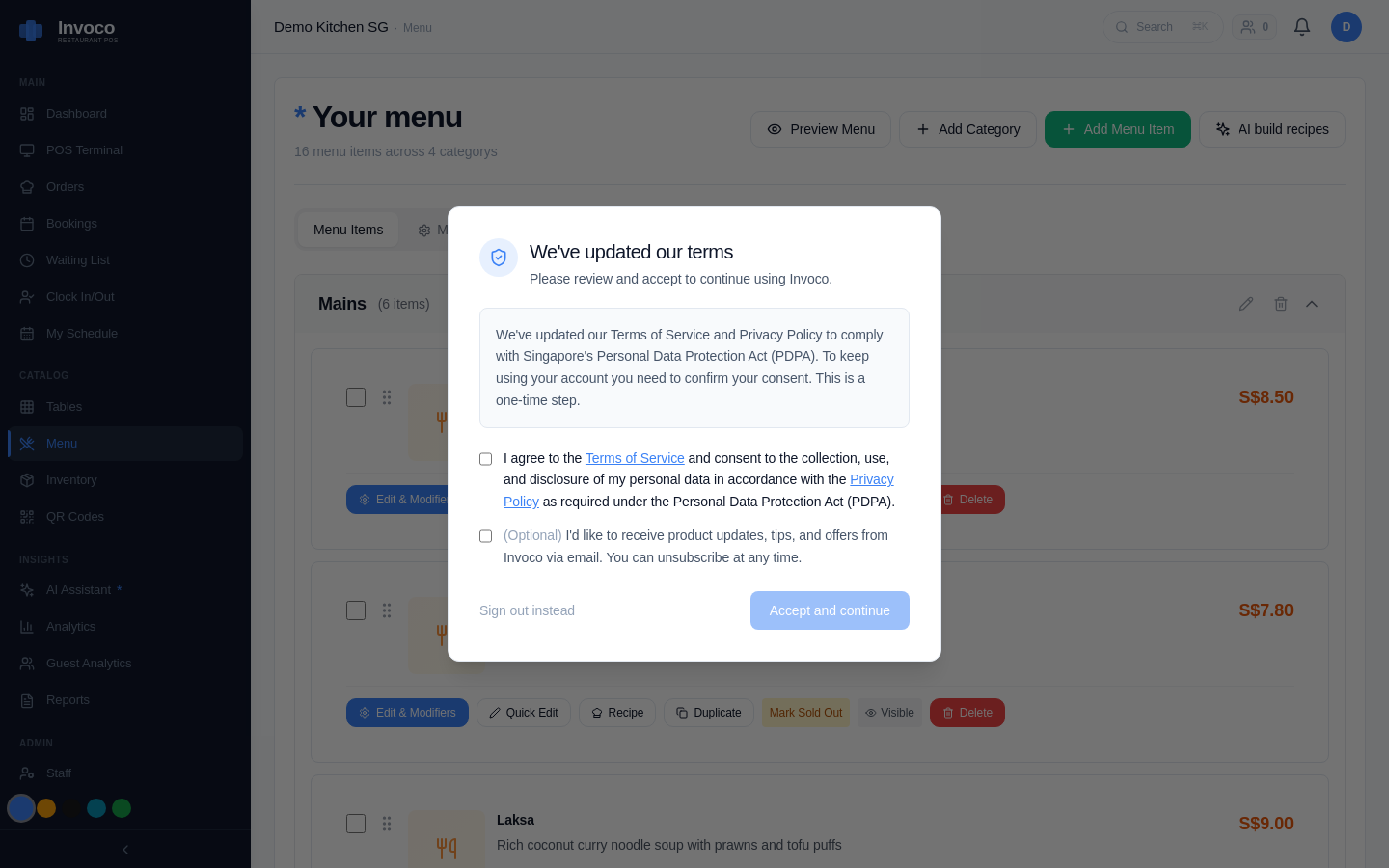 Invoco menu management page displaying Catering category alongside other categories like Mains and Drinks
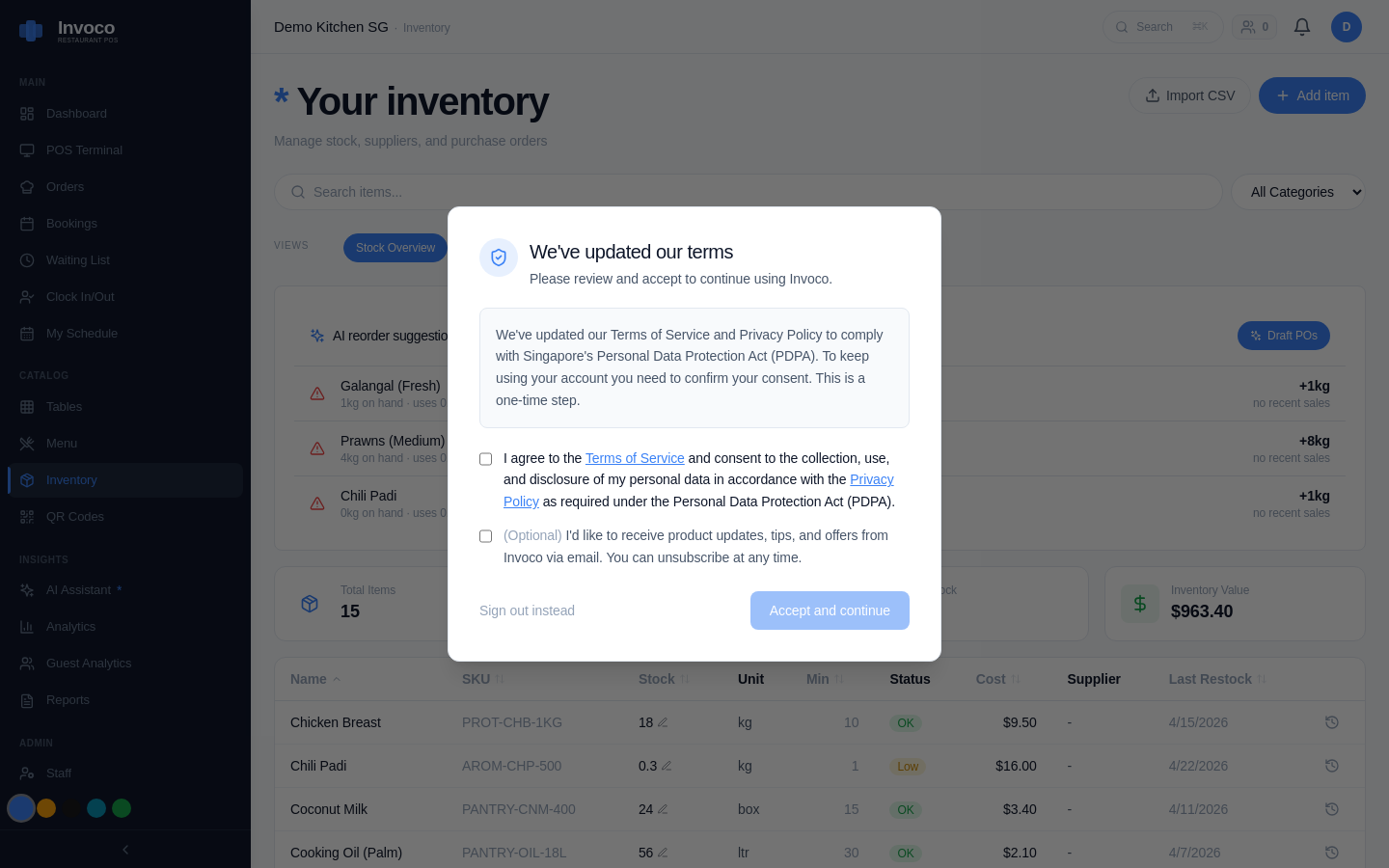 Invoco inventory management page tracking ingredients and stock levels
Start in your POS menu builder. Create a Catering category separate from dine-in. Add packages like "Office Bento 50pax" (S$15/head: rice, 2 proteins, veggie, dessert) with modifiers for add-ons (extra stingray, vegan swap).[9]
Why? Bundles speed quoting—select package, tweak headcount, modifiers auto-scale cost/ingredients. Pulls from your inventory software with recipe costing for Singapore F&B to flag if prawns are low.
For perishables like sambal, link to inventory management for perishable items: Singapore F&B guide. POS flags if 80pax exceeds stock, recomputes at weighted-average cost.
Invoco tip: Pre-seed 67 SG ingredients like ikan bilis or pandan—menu costing updates auto when NTUC FairPrice hikes prices.
Step 2: Quote and Convert to Provisional Orders
Customer emails: "80pax, halal? Deliver 12pm?" Hit POS quote tool (Eats365, HashMicro, MEGAPOS have it).[1][5][9]
- Enter details: date, pax, packages, modifiers.
- POS pulls recipe costs, adds 9% GST (IRAS GST guide). Outputs PDF quote with your biz details, UEN, terms (50% deposit, balance on delivery).
- Email quote. Customer approves? One-click converts to provisional order—reserved in calendar, holds inventory.
SG twist: For SFA-licensed caterers, add food safety note: "Packed per SFA hygiene code."[8] Competing POS like Qashier does quotes but manual GST; Eats365 auto-splits GST input/output for IRAS e-filing.[1]
Step 3: Handle Deposits and Invoicing
Deposit hits PayNow (S$2,400 for 80pax). POS records as partial payment on provisional order—no cash float mess.[9]
Delivery day: 1. Confirm final count (e.g., 75pax actual). 2. Adjust order, print kitchen dockets (KDS if high-volume, like kitchen display system for high-volume zi char Singapore). 3. Pack, load van. 4. On-site, collect balance (PayNow QR or Stripe card). POS auto-issues tax invoice with GST breakdown, serial no., your NRIC/UEN—IRAS-compliant for output tax claims.[1]
Pro tip: Use recurring invoice for corporates (weekly Raffles Place lunches). HashMicro handles multi-branch; MEGAPOS consolidates GrabFood + catering into one dashboard.[5][9]
IRAS requires invoices show GST amount separately if registered (threshold S$1m turnover).[external link]
Step 4: Schedule Deliveries and Track Fulfilment
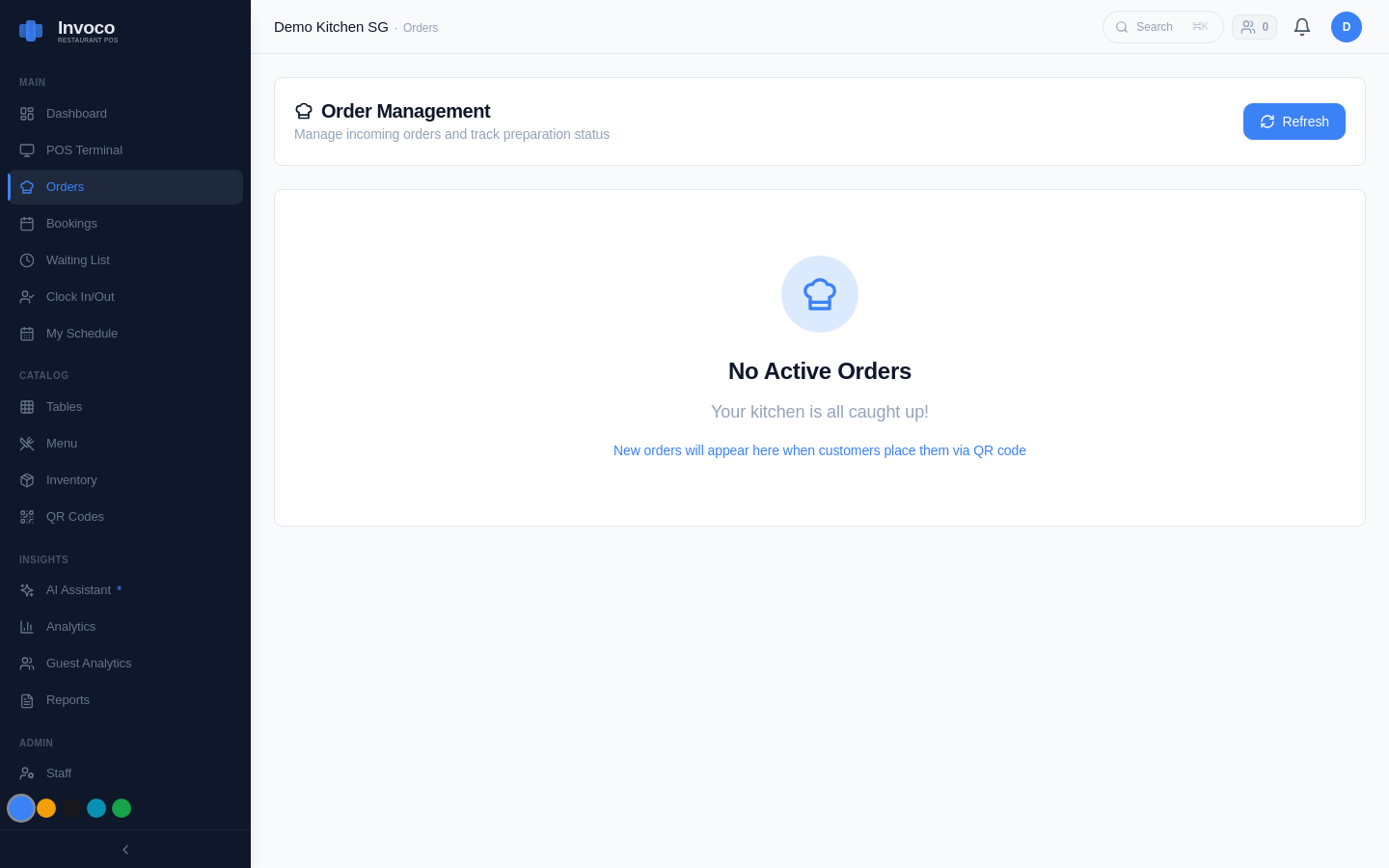 Invoco orders page with active and completed tickets
POS calendar view: colour-code catering slots (red=confirmed, yellow=provisional). Block 10am-2pm for 80pax prep/delivery—avoids dine-in clash.
Assign driver/staff via clock-in PIN. Post-delivery, snap photo proof (optional, for disputes). Close order: inventory deducts (beginning + purchase - ending), flags variance if 5kg prawns used vs 4kg recipe.[7]
For chains, multi-outlet POS syncs Amoy Street bistro stock to Jurong Point pop-up.
Competitor reality: Square syncs HoneyCart orders but weak on SG PayNow/GST.[2] RavenPOS organises workflows; lacks recipe costing depth.[3] Oddle shines QR dine-in, not off-site.
Step 5: Report and Optimise
End-month: Pull catering sales report—revenue S$12k, food cost 32% (S$3.8k), labour 18%. Variance flags: satay overused 12% (retrain portions).
Xero push: Approved invoices as ACCPAY bills, GST auto-matches tax rates. File IRAS GST F8 quarterly without recaps.
IMDA grant alert: POS upgrades qualify for Productivity Solutions Grant—up to S$30k co-funding (80% for SMEs).[external link]
= ## How Invoco Handles Your Catering Chaos ## =
Your pain: juggling 20 weekly catering quotes across WhatsApp, Excel delivery sheets, manual GST invoices while dodging stockouts. Invoco's POS & order taking module turns it streamlined: build catering packages with modifiers/table management for pax counts, convert quotes to orders with kitchen display routing. AI invoice OCR pulls supplier costs into inventory for real-time costing (e.g., S$8.50/kg chicken rice rice auto-flags if market hits S$9.20). COGS + variance report shows if 80pax bentos hit 32% food cost or ballooned to 38% from over-portioning prawns. Push to Xero for IRAS GST. Outcome: a Bedok Reservoir zi char boss cut catering admin from 4 hours to 20 minutes daily, margins up 3% on repeats. Invoco.
Troubleshooting Common Hiccups
Overbooked slot? Provisional orders show tentative—drag to reschedule, notify customer auto-SMS.
GST error? Double-check registration on GoBusiness portal. POS like Invoco pre-sets 9% on food, 0% exempt drinks.
Late supplier? Automate supplier price updates Singapore restaurant guide links OCR to costing—no recosting hell.
High-volume? For 200pax weddings, pair with KDS (reduce food waste in Singapore restaurants: inventory & portion tips).
Catering POS isn't delivery apps (no Grab routing). It's your back-office for quotes/invoices/schedules. Start small: one package, five weekly orders. Scale to S$10k/month add-on revenue.
Sources
- How to Manage Big Seasonal Catering Orders Without Chaos
- Square POS Integration for Catering Orders - YouTube
- Our catering ordering solution is specially tailored to ... - RavenPOS
- Why Should Caterers Invest in Advanced POS Technology Now?
- Best Catering Management System in Singapore - HashMicro
- Catering Software - Prices & Reviews | GetApp Singapore 2026
- The Best POS Systems in Singapore: A 2026 Guide for F&B ...
- Restaurant Systems (F&B POS) - Zeatech Computer Systems
- Restaurant POS System | MEGAPOS Singapore