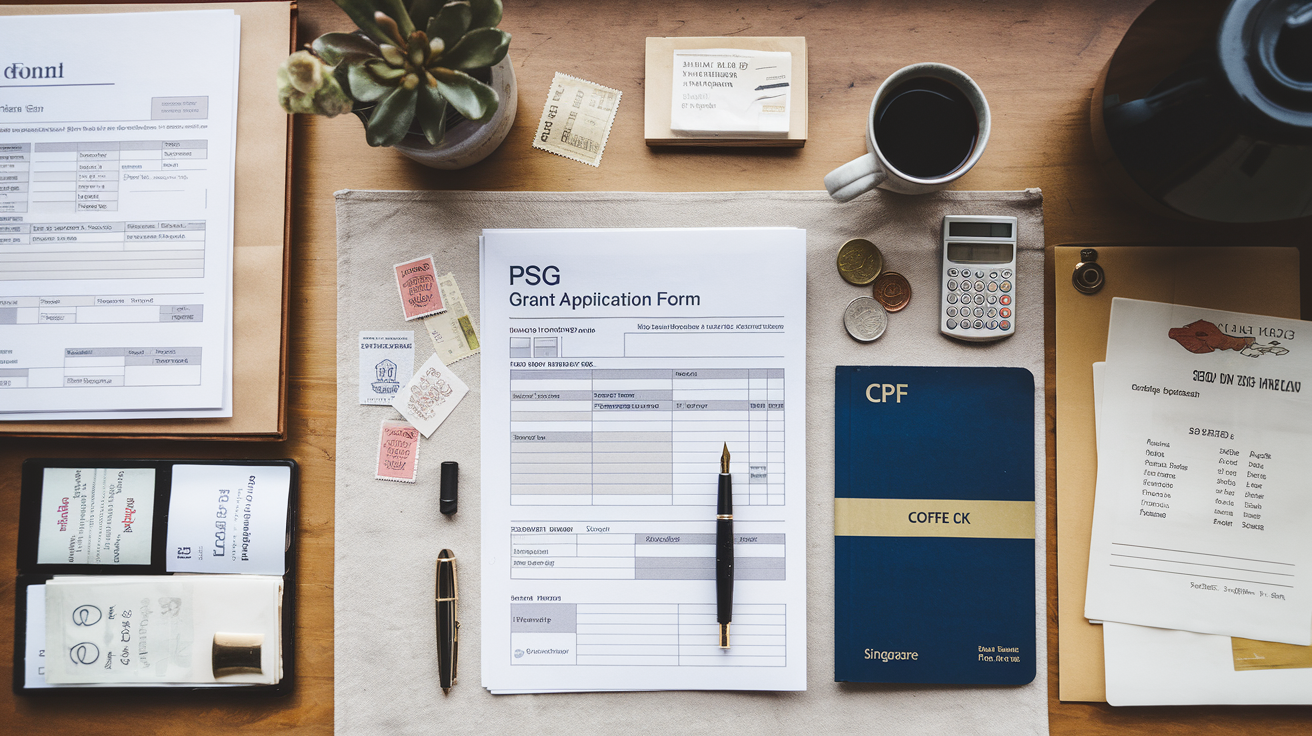
PSG Grant for POS System Singapore: Step-by-Step Application Guide
Learn how to apply for PSG grant for POS systems in Singapore. Eligibility, step-by-step application process, required documents, and approval timeline for F&B SMEs.
Your ramen shop in Tanjong Pagar is doing steady business, but you're still ringing up orders on a manual register and tracking inventory on a notebook. A proper POS system could cut your end-of-day reconciliation from 45 minutes to 10, but the upfront cost—$2,000 to $5,000—feels steep when margins are already tight.
Here's the good news: Singapore's Productivity Solutions Grant (PSG) can cover up to 50% of that cost[1]. You don't need to be a tech company or a chain restaurant. If you're a registered SME in F&B with at least 30% local ownership, you likely qualify. The catch? You must apply before you buy or sign any contract[3].
This guide walks you through the exact steps, the documents you'll need, and the timeline so you can get your grant approved without false starts.
Who Qualifies for the PSG Grant
Before you spend time on the application, confirm you meet these criteria[1][2]:
- Registered and operating in Singapore — your business is on ACRA BizFile
- At least 30% local shareholding — if you have foreign investors, they can't own more than 70%
- Group annual sales under S$100 million or fewer than 200 employees (for most solutions)
- Financially viable — you can demonstrate the business is solvent
- The POS system must be used in Singapore — no offshore deployments
If you're a sole proprietor or partnership, you still qualify. If you run multiple outlets, each location can apply separately, though you'll typically submit one application covering all sites[2].
Invoco tip: Check your ACRA BizFile now to confirm your shareholding structure—mismatches here are the most common reason applications stall.
Step-by-Step Application Process
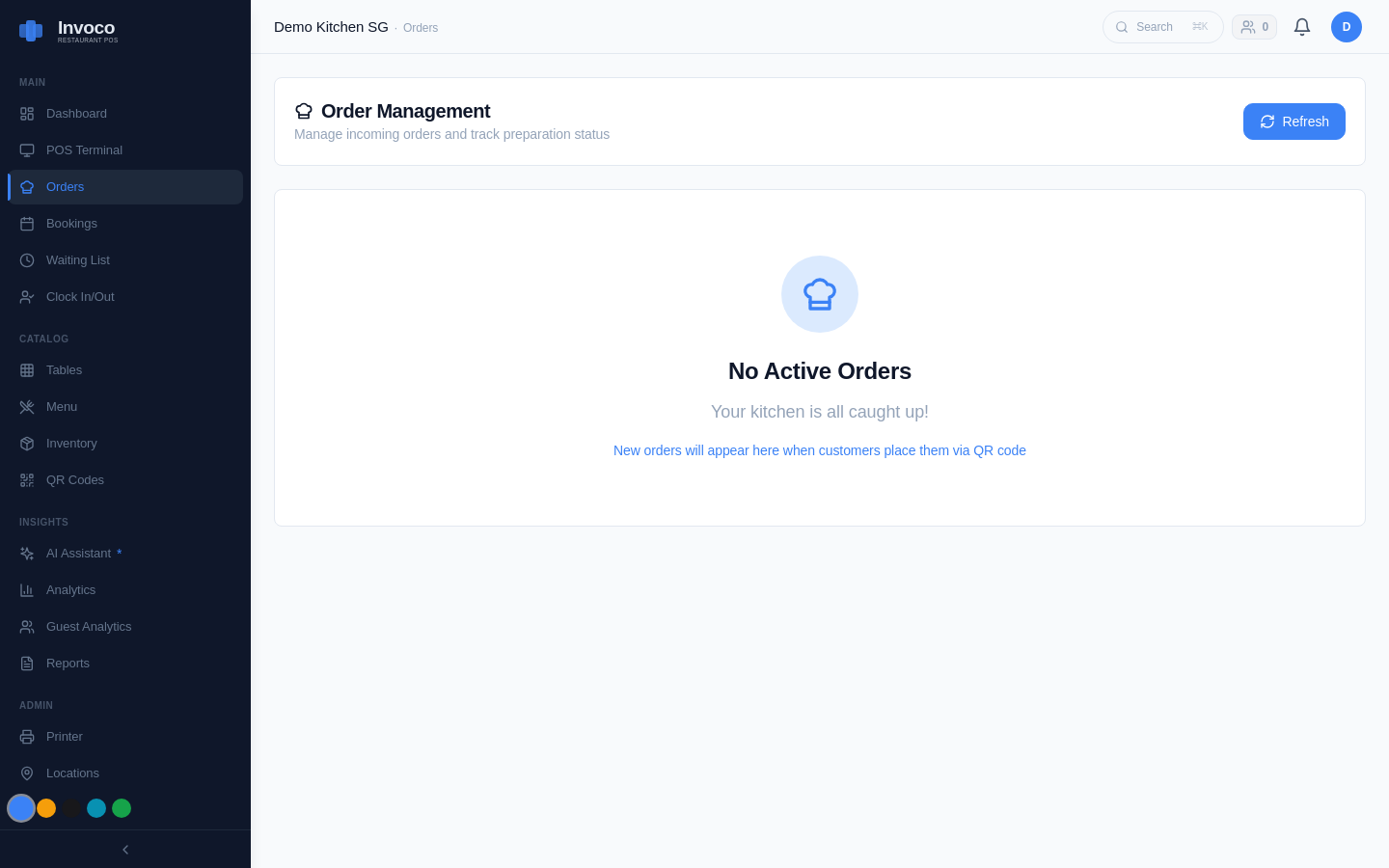 Invoco orders page with active and completed tickets
Step 1: Get a Quotation from a Pre-Approved Vendor
Not every POS vendor is eligible. Enterprise Singapore maintains a list of pre-approved solutions on GoBusiness Gov Assist[6]. Search for "POS" or "point of sale" and filter by F&B or retail. You'll see vendors like Qashier, Eats365, Klikit, and others listed with their supportable modules.
Once you've picked a vendor, request a formal quotation that includes:
- System name and version
- Monthly or annual subscription cost
- Setup or implementation fees
- Any hardware (tablet, printer, card reader)
- Implementation timeline
Do not sign a contract or make any payment yet. The grant application must be submitted first[3].
Step 2: Register for CorpPass
You'll submit your application through the Business Grants Portal (BGP)[4]. To log in, you need a CorpPass account linked to your ACRA registration. If you don't have one, register at CorpPass.gov.sg. This typically takes 1–2 days[2].
Designate someone in your business with the "Acceptor" or "Preparer" role to submit the application[2].
Step 3: Log In to the Business Grants Portal
Go to www.businessgrants.gov.sg and log in with your CorpPass credentials[4]. Click My Grants → Get new grant[2].
Step 4: Select the Productivity Solutions Grant
Choose Productivity Solutions Grant (PSG) from the list. You'll then be asked to select your industry sector. For F&B, choose Retail or Food & Beverage (the portal labels vary slightly)[2].
Next, select the grant objective. For a POS system, pick Upgrade key business areas, such as adopt technology, improve business processes or raise service standards[2].
Step 5: Upload Your Quotation and Fill the Application Form
You'll need to upload:
- The vendor quotation (PDF or image)
- Your company's ACRA BizFile extract (download free from ACRA)
- Your company's financial statements for the past 3 years (profit & loss and balance sheet, signed by an authorised person)[6]
Fill in your company details, contact information, and the grant amount you're claiming (up to 50% of the quotation total)[4].
Step 6: Submit and Wait for Approval
Once submitted, Enterprise Singapore reviews your application. Approval typically takes 4–6 weeks, depending on document completeness and accuracy[3][4]. You'll receive an email notification when a decision is made.
If approved, you'll receive a Letter of Offer (LOF) in the BGP. Download it, read the terms, and click Accept to formally accept the grant[2].
Important: Do not purchase or pay for the POS system until you receive and accept the Letter of Offer. Paying before approval results in automatic rejection[3].
After Approval: Purchase and Claim Your Grant
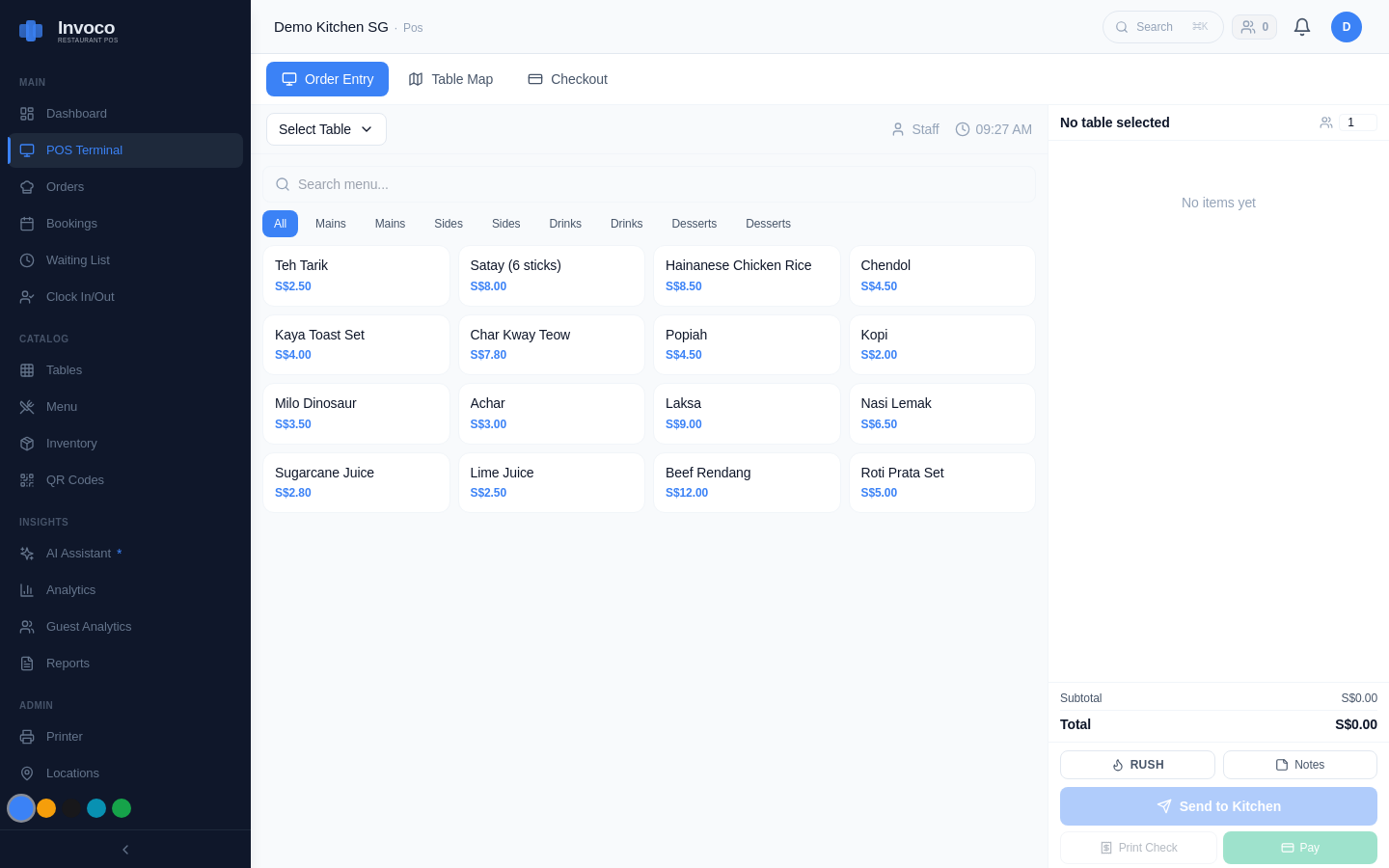 Invoco POS screen with Demo Kitchen SG menu grid, active ticket containing laksa and nasi lemak items, and payment options
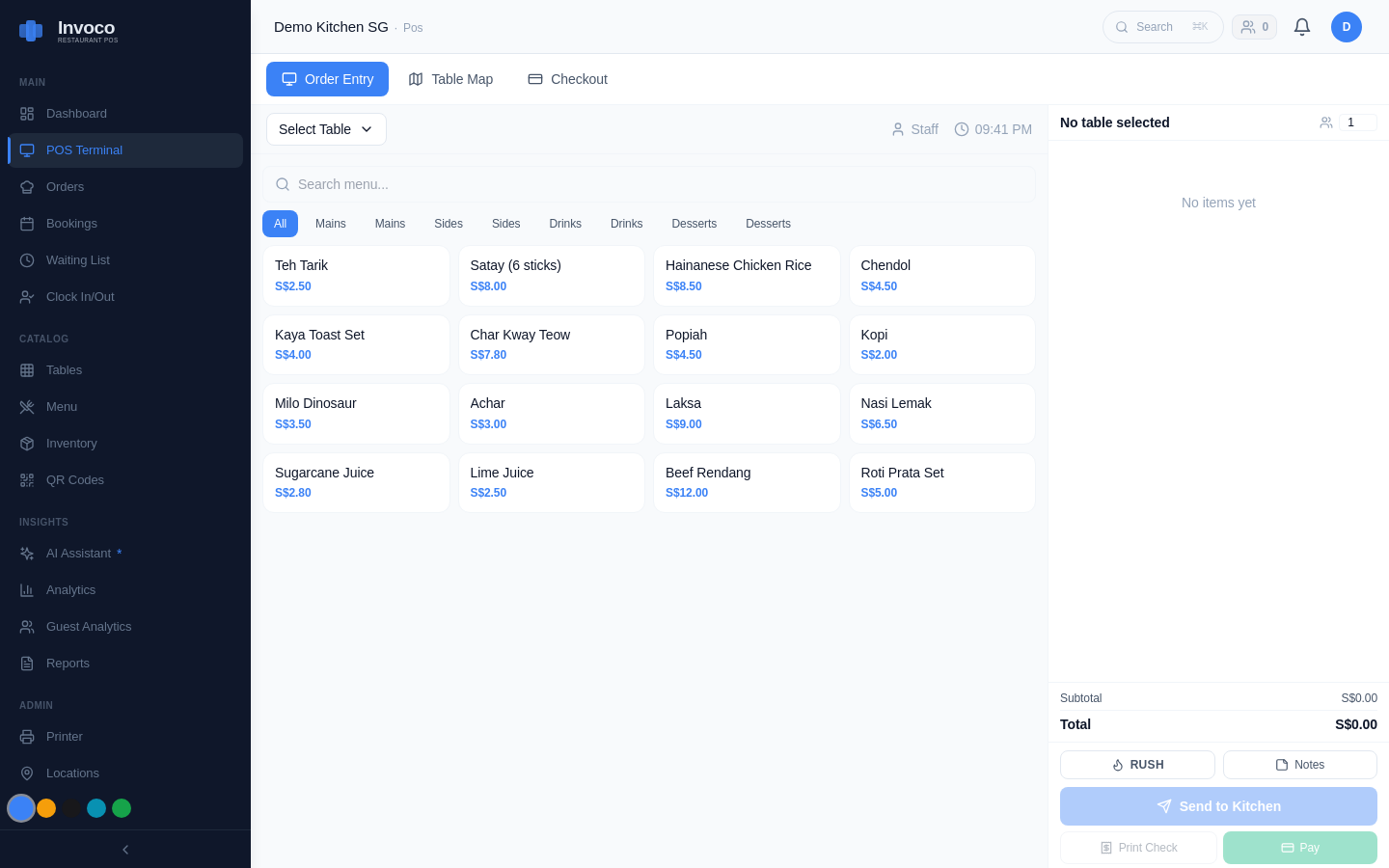 Invoco POS terminal checkout view with menu and payment options
Once you've accepted the LOF, you can now sign the contract with your vendor and make payment. Keep all receipts and payment proof.
When the POS system is live and you have proof of implementation (screenshots, photos, or a vendor confirmation email), log back into the BGP and submit your claim[6].
You'll upload:
- Invoice from the vendor
- Proof of full payment (bank transfer screenshot, bank statement, or receipt)
- Proof of implementation (photos of the POS terminal, screenshots of the system in use, or a vendor letter)
- Your bank account details for reimbursement[6]
Enterprise Singapore verifies your claim and processes reimbursement. If you've set up a PayNow Corporate account, disbursement happens within 14 working days[6]. If you use GIRO, allow up to 8 weeks[6].
Documents You'll Need (Checklist)
- ACRA BizFile extract (current)
- Company financial statements (last 3 years: P&L and balance sheet, signed)
- Vendor quotation (itemised, with company letterhead)
- CorpPass login credentials
- Bank account details (for reimbursement)
- Invoice and payment proof (after purchase)
- Implementation evidence (photos or vendor confirmation)
Keep both hard and soft copies of everything[6].
How Invoco Fits Into Your PSG Application
Invoco is a pre-approved PSG vendor for Singapore F&B, and its POS module is eligible for up to 50% grant support. If you're juggling a manual register, paper invoices, and spreadsheet inventory, Invoco's integrated POS, invoice OCR, and recipe-costing engine solve the exact pain points that qualify for PSG funding. Once your grant is approved and you've purchased Invoco, you'll claim the reimbursement by uploading your invoice and a screenshot of the system live in your kitchen. The outcome: you'll cut your daily admin time by 2–3 hours and have real-time food cost visibility—all with 50% of the cost covered by the government. Visit Invoco to generate a quotation and confirm pre-approval status.
Common Mistakes to Avoid
1. Paying before approval — This is an automatic rejection. Wait for the Letter of Offer[3]. 2. Choosing a non-approved vendor — Always check the GoBusiness Gov Assist list first[1]. 3. Incomplete financial statements — Ensure your P&L and balance sheet are signed by an authorised person and dated within the last 3 years[6]. 4. Wrong shareholding structure — If you have foreign investors, confirm they own ≤70% before applying[1]. 5. Vague implementation proof — Take clear photos of the POS system in use, not just the box it came in[6].
FAQ
Q: Can I apply for PSG if I'm a sole proprietor? A: Yes. Sole proprietors and partnerships qualify as long as they meet the other criteria (registered in Singapore, financially viable, etc.)[1].
Q: How much can I claim? A: Up to 50% of the quotation cost, capped at the vendor's pre-approved solution limit (typically S$5,000–S$15,000 depending on the system)[3].
Q: What if my application is rejected? A: Enterprise Singapore will email you the reason. Common issues are incomplete documents, non-approved vendor, or shareholding mismatch. You can reapply once you've fixed the issue[4].
Q: Can I bundle other solutions with my POS system? A: Yes. If you apply for a POS system and integrated accounting software (like Xero), you strengthen your case and may increase your total grant amount. See our guide on POS with Xero Integration Singapore: Sync Sales to Accounting for more[4].
Q: Do I need to use the POS system for a minimum period? A: The grant has no lock-in period, but Enterprise Singapore may audit your claim to confirm the system is actually deployed and in use[6].
Next Steps
1. Check your eligibility using the criteria above. 2. Visit GoBusiness Gov Assist and search for pre-approved POS vendors. 3. Request a quotation from your chosen vendor. 4. Register for CorpPass if you don't have one. 5. Log in to the Business Grants Portal and submit your application. 6. Wait 4–6 weeks for approval. 7. Once approved, purchase the POS system and claim your reimbursement.
The entire process from application to reimbursement typically takes 8–12 weeks. Plan accordingly if you're hoping to have a new system live by a specific date. For more on choosing the right POS for your F&B operation, read our guide on Live Kitchen Display System for Hawker Stalls in Singapore.
Sources
- What kind of SMEs is eligible for a PSG (Grant) for a POS system?
- Step by step guide to apply PSG (Grant) for POS System (2020) - Eisol
- PSG Grant Singapore 2026 Eligibility and Application Guide
- How to Apply PSG Grant: A Step-by-Step Guide - Grof Singapore
- Avail of PSG Grant POS System in Singapore - Suntoyo
- Productivity Solutions Grant (PSG) - Enterprise Singapore
- [[PDF] psg-step-by-step-guide.pdf - Enterprise Singapore](https://www.enterprisesg.gov.sg/-/media/esg/files/financial-assistance/grants/for-local-companies/productivity-solutions-grant/psg-step-by-step-guide.pdf)
- Get Up to 50% PSG Grant for Local SMEs | F&B POS Packages