Live Kitchen Display System for Hawker Stalls in Singapore
Explore live kitchen display systems for hawker stalls in Singapore: reduce chit errors, prioritise orders in real-time, and boost efficiency. Compare Qashier, Hashmato, Suntoyo KDS prices and SFA-compliant features for 2024-2026.
TL;DR: A live kitchen display system (KDS) replaces paper chits in your hawker stall kitchen with real-time digital screens, cutting order errors by showing priorities, timers, and statuses instantly—essential for high-volume lunch rushes where space and staff are tight.
Why Your Hawker Stall Needs a Live Kitchen Display System
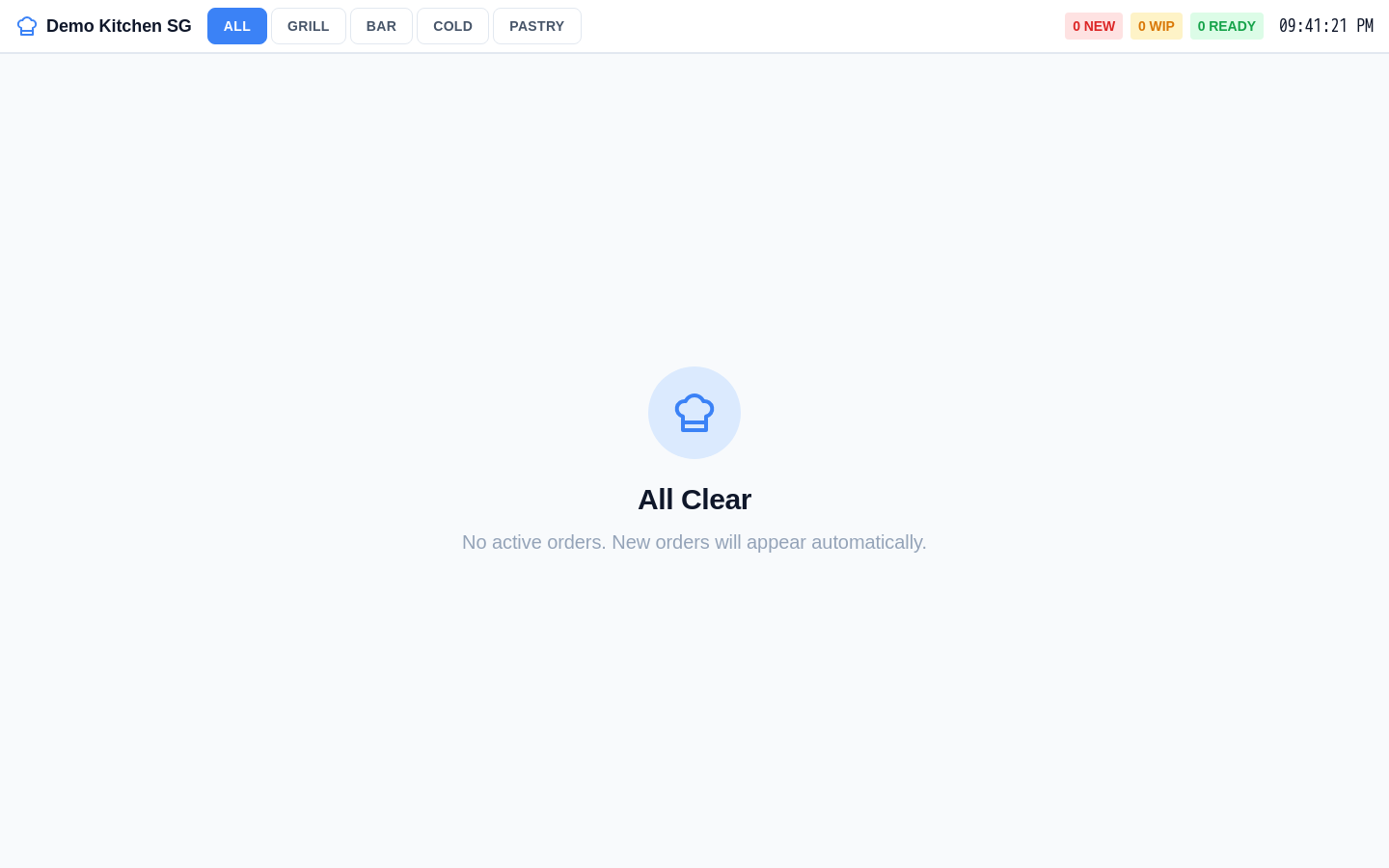 Invoco kitchen display system showing active tickets with prep timers
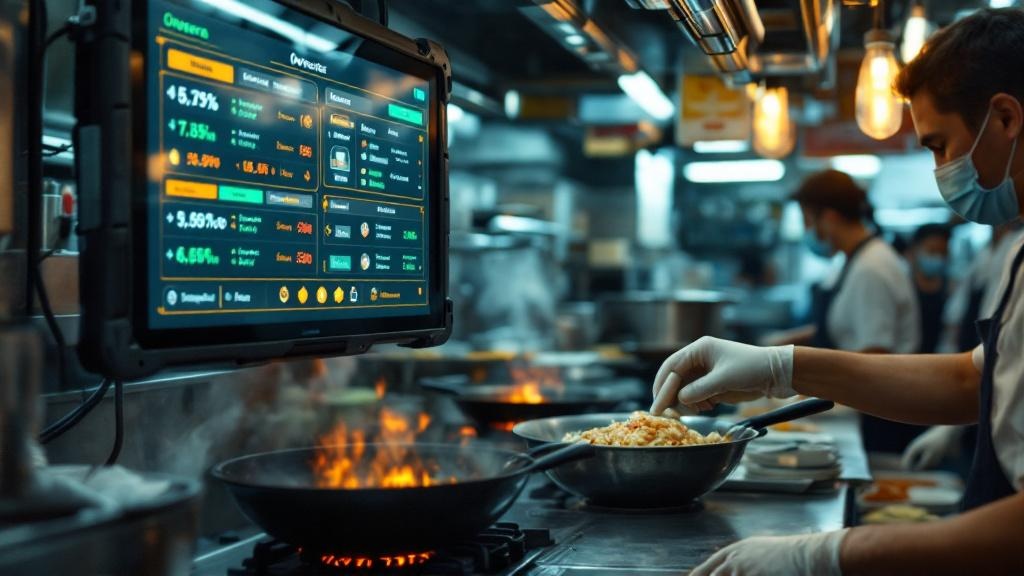
You run a hawker stall with 2-4 staff juggling orders from walk-ins, GrabFood, and QR scans. Peak hours mean shouted orders, scribbled chits that smudge or get lost, and meals sent out wrong. A live kitchen display system (KDS) fixes this by beaming orders straight to a screen above your woks—real-time, no printing, no misreads Qashier KDS Hashmato KDS.
In Singapore's hawker scene, where SFA hygiene rules demand clear workflows and MOM limits foreign worker hours, KDS keeps things smooth. Orders pop up instantly from your POS, colour-coded by urgency (e.g., red for overdue), with timers tracking prep time. Kitchen crew bumps off completed items with a tap, syncing back to front-of-house for faster collections Suntoyo iKDS.
Invoco tip: Route QR takeout orders to a separate KDS screen so your main kitchen display stays focused on dine-in priorities.
Key Features for Hawker Stalls
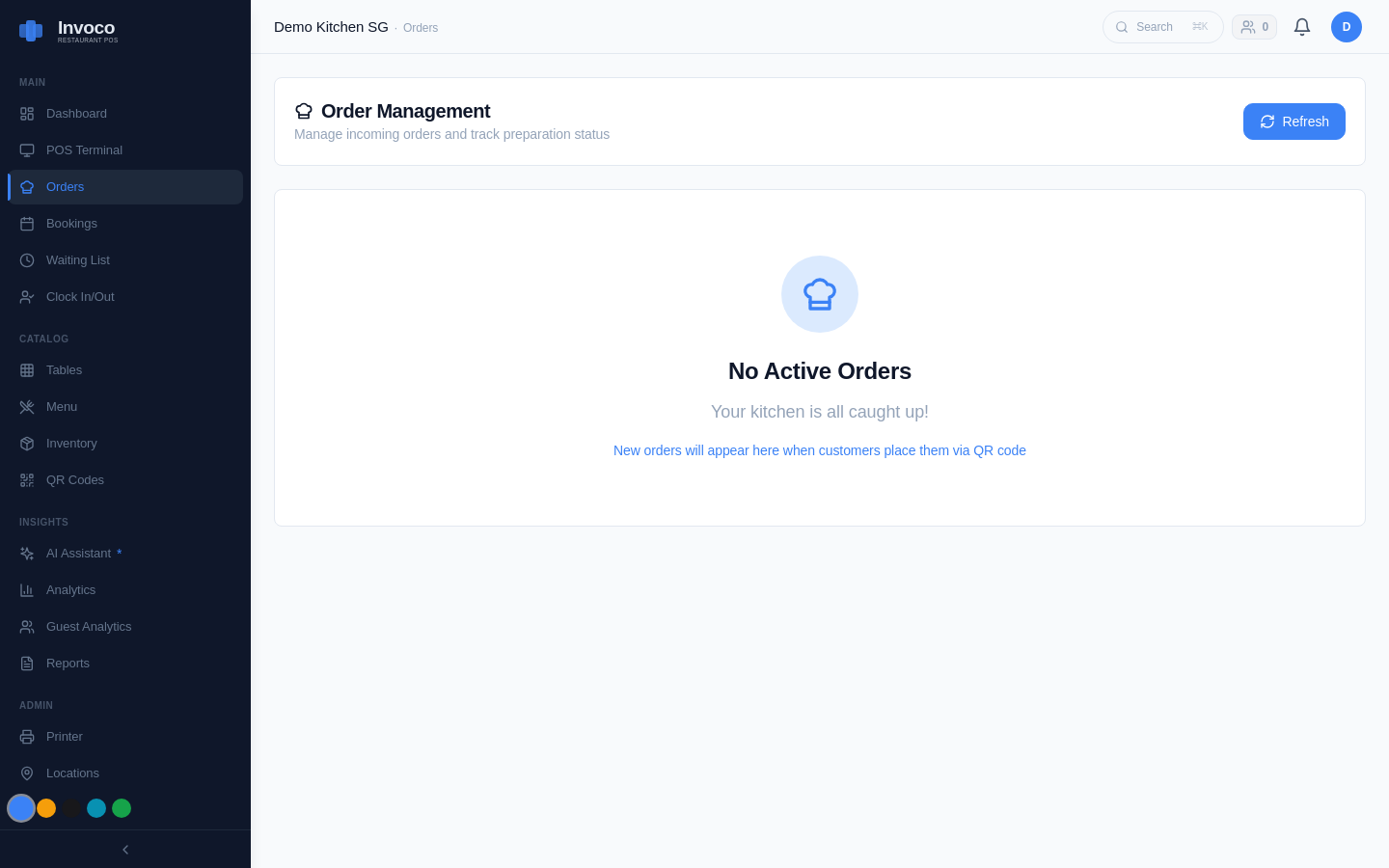 Invoco orders page with active and completed tickets
Hawker spaces are tiny—your KDS must fit a 15-22 inch tablet or screen without crowding counters. Look for these:
- Real-time sync: Orders from POS, self-order kiosks, or delivery apps appear in seconds, split by station (e.g., noodles vs drinks) Rewardly Guide.
- Timers and alerts: Shows order age, flags overtime preps, distinguishes dine-in/takeaway/delivery.
- Status tracking: New/in-progress/ready bumps; reduces 'where's my order?' shouts.
- Compact hardware: Tablet-based, no bulky printers. Works offline or low-bandwidth for spotty hawker WiFi.
- SFA/MOM fit: Clean digital logs aid hygiene audits; staff PINs track shifts without paper timesheets.
No specific 2024-2026 SFA regs mandate KDS, but they align with SFA Food Hygiene guidelines by minimising paper clutter in wet kitchens.
Top KDS Options and Real Singapore Prices
Singapore vendors tailor KDS for hawkers:
| Vendor | Key Hawker Fit | Pricing Insight | |--------|----------------|---------------| | Qashier | Syncs with POS for kiosks/cafes; high-volume error reduction | Bundled in POS plans (~S$50-100/mo per outlet, est.) | | Hashmato | Real-time front-back sync, no delays | POS-inclusive; hawker plans from S$69/mo | | Suntoyo iKDS | Colour alerts for tasks/overtime/takeaway | All-in-one workflow control; quote-based ~S$80/mo | | Warely | Calms kitchen with dine/takeaway sync | Affordable for F&B; ~S$60/mo est. | | FeedMe | Speeds workflow fingertip actions | Restaurant-focused; S$50+ mo |
Prices are POS-bundled (no standalone KDS sales noted); hawker plans undercut restaurants at S$49-99/mo. Add S$200-500 for tablet hardware. Check for no-setup-fee deals Rewardly.
How Invoco's Kitchen Display Solves Hawker Chaos
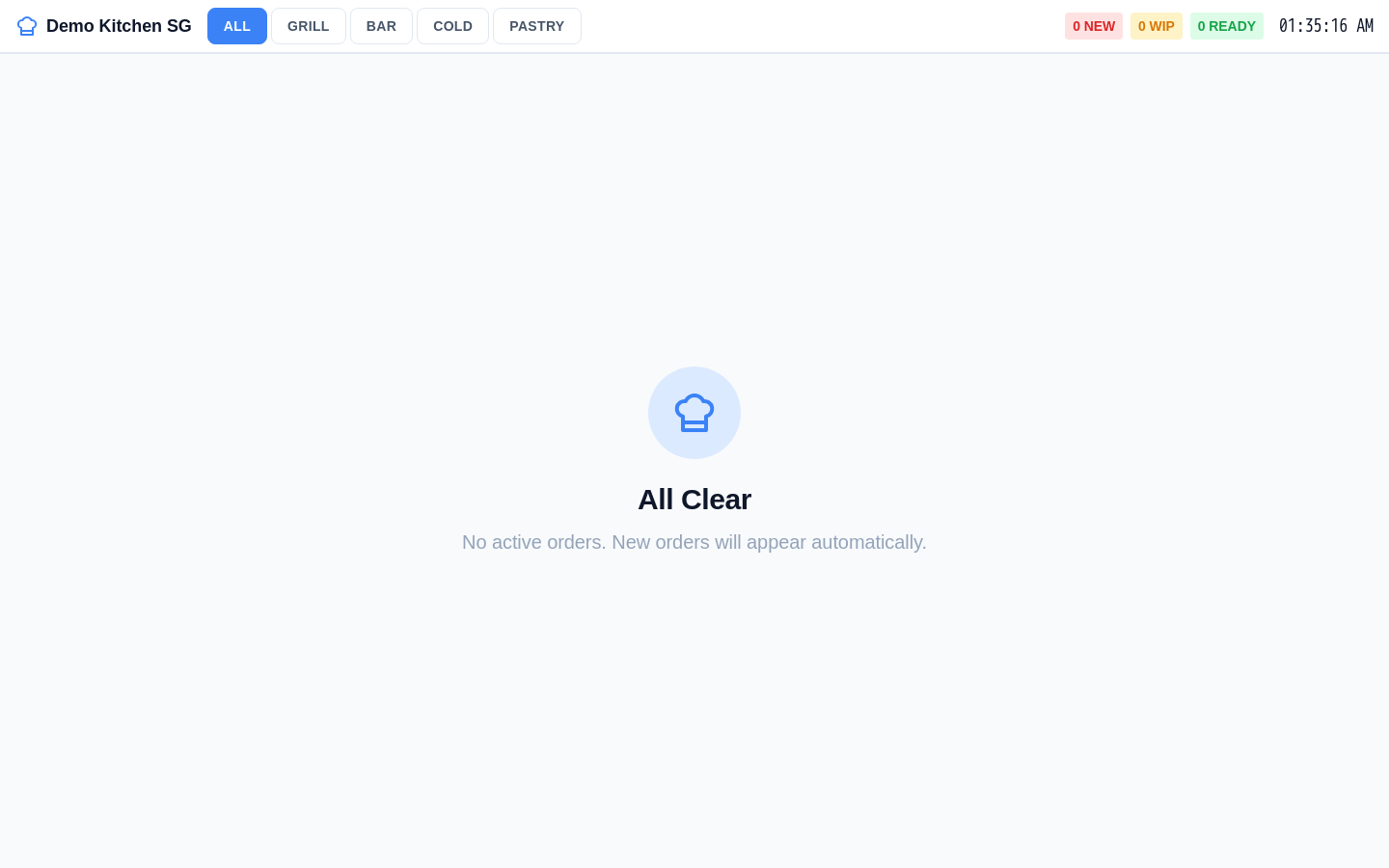 Invoco kitchen display screen with station tabs Grill/Bar/Cold/Pastry and active order tickets for Demo Kitchen SG hawker menu items
You're drowning in chit piles during lunch at your hawker stall, with staff double-checking verbal orders amid steam and sizzle, leading to wrong plates and grumpy diners. Invoco's POS & kitchen display module beams every order—split bills, modifiers, QR scans, or PayNow checkouts—to your tablet screen in real-time, with table numbers and prep timers. Staff tap to update statuses, prioritising high-volume rushes without paper. Link it to inventory + recipe costing for auto-flags on overused ingredients like chilli or fishballs. Outcome: You'll serve 20% faster, slash remake errors, and end shifts with accurate stock data instead of guesswork—Invoco.
Implementation Tips for Your Stall
Start small: Mount one 15-inch tablet above your main station (S$300 Android rugged model). Test with dine-in only, then add delivery routing. Train crew in 30 mins—tap to accept, prep, done. Integrate with PayNow QR for seamless flow.
IRAS GST stays simple: KDS logs feed POS reports for 9% GST filing (due Jan 2025 for Q4 2024). MOM workpass rules? Digital clock-ins pair perfectly, tracking hawker shifts under 44-hour weekly caps for WTS holders.
Common pitfalls: Avoid non-SG vendors—local ones handle GrabFood/ShopifyFood parsing out-of-box. Ensure bump-sync prevents ghost orders.
FAQ
What's the ROI for KDS in a hawker stall?
Fewer errors mean 10-15 fewer remakes daily; at S$5/plate, that's S$50-75 saved per peak hour, paying back in 1-2 months.
Does KDS work offline?
Most (Qashier, Hashmato) cache orders for spotty WiFi; syncs when back online.
SFA hygiene impact?
Digital cuts paper waste, easing wet-area cleaning—SFA approves contactless workflows.
Hawker-specific setup cost?
S$200-400 hardware + S$50/mo software; no per-order fees on PayNow.
Integrate with GrabFood?
Yes, top KDS pull platform orders automatically, colour-coding deliveries.
Sources
- Kitchen Display System (KDS) - Qashier Singapore
- Kitchen Display System for Restaurants in Singapore - Hashmato
- Kitchen Display System (KDS) - Track Kitchen & Service - Suntoyo
- F&B POS System Selection Guide for Singapore: How to Choose the ...
- FeedMe Kitchen Display System & Order Display System (KDS ...
- What Grocers Can Learn from Restaurants by Implementing a ...
- Smart Kitchen Display System for F&B | Warely POS
- FoodZaps: F&B POS System Singapore | Restaurant Ordering System
- Kitchen Display System IoT Anewtech Systems
- The first AI hawker centre in Singapore? | Food Finders ... - YouTube