Cost-effective POS transition guide for Singapore restaurants
Learn how Singapore restaurants can achieve a cost-effective POS transition using PSG grants, phased rollouts, and cloud platforms to cut costs and boost efficiency.
Cost-effective POS transition guide for Singapore restaurants
Running a restaurant in Singapore right now means managing razor-thin margins while guests expect faster service, contactless payments, and seamless digital experiences. Your legacy point-of-sale (POS) system might be the silent drain you’ve been overlooking. The Productivity Solutions Grant (PSG) subsidizes up to 50% of POS costs for eligible SMEs, making a modern upgrade far more accessible than most owners realize. This guide walks you through every stage of a cost-effective POS transition, from assessing readiness and securing grants to measuring real returns, all tailored to the Singapore F&B context.
Table of Contents
- Assessing your readiness and understanding cost factors
- Securing grants and funding for your POS investment
- Step-by-step guide to a smooth POS transition
- Verifying impact: measuring ROI and operational improvements
- Why the cheapest POS isn’t always the most cost-effective
- How Invoco POS simplifies your cost-effective POS transition
- Frequently asked questions
Key Takeaways
| Point | Details |
|---|---|
| Leverage PSG for savings | Applying for the Productivity Solutions Grant halves your POS investment outlay. |
| Phased implementation works | Layering preparation, training, and pilot testing reduces transition disruptions. |
| Unified cloud POS scales better | Unified, local cloud systems minimize data silos and slash total cost over time. |
| Track post-transition ROI | Monitor time savings and error reduction to prove your system’s cost-effectiveness. |
Assessing your readiness and understanding cost factors
Before you commit to any new system, you need an honest look at what your current setup is actually costing you. Manual reconciliation at the end of each shift, disconnected inventory spreadsheets, and separate apps for reservations and payments are all signs that your POS is working against you. These inefficiencies quietly add up in wasted labor hours and avoidable errors.
The hidden costs in legacy POS go well beyond the monthly subscription fee. Think about the cost of downtime during a dinner rush, the price of third-party integrations that never quite sync properly, and the compliance headaches that come with outdated software. A unified modular cloud POS is preferred over legacy systems for scaling, avoiding data silos, and reducing total costs over time.
Sample cost breakdown: upfront vs. long-term
| Cost category | Legacy POS (year 1) | Cloud POS (year 1) | Cloud POS (year 3) |
|---|---|---|---|
| Hardware | $3,000 to $6,000 | $0 to $1,500 | $0 |
| Software license | $1,200/year | $600 to $1,200/year | $600 to $1,200/year |
| Integration add-ons | $500 to $2,000 | Included | Included |
| Maintenance and support | $800/year | $0 to $300/year | $0 to $300/year |
| PSG subsidy potential | None | Up to 50% off | N/A |
Before you start shopping for vendors, run through these readiness checkpoints:
- Staff willingness: Are your team members open to learning a new system, or will resistance slow the rollout?
- Hardware status: Is your current hardware compatible with modern cloud platforms, or will it need replacing?
- Data silos: Are your sales, inventory, and customer data stored in separate systems that don’t talk to each other?
- Compliance needs: Does your current POS meet Singapore’s data protection requirements under the PDPA?
- Support availability: Does your vendor offer local, Singapore-based support for urgent issues?
Pro Tip: Prioritize cloud-based, PSG-eligible vendors with local support teams. They understand Singapore’s compliance landscape and can resolve issues without the delays that come with overseas support desks. Exploring high-volume POS features designed for the local market can also help you identify what your current system is missing.
Securing grants and funding for your POS investment
Once you’re clear on readiness and true costs, it’s time to unlock substantial savings through Singapore’s government grants. The PSG is the most accessible funding option for F&B businesses, and many restaurant owners leave this money on the table simply because the application process feels unfamiliar.
The PSG subsidizes up to 50% of POS system costs when you purchase from a pre-approved vendor list. That means a system priced at $5,660 could cost you just $2,830 after the grant. For a small bistro or hawker stall, that difference is significant.
Here’s how to apply, step by step:
- Confirm eligibility: Your business must be registered and operating in Singapore, with at least 30% local shareholding and fewer than 200 employees or annual turnover under $100 million.
- Choose a pre-approved vendor: Only purchases from vendors on the PSG-approved list qualify. Check the GoBusiness portal for the current list.
- Get a quote: Request a formal quotation from your chosen vendor before applying.
- Submit your application: Log in to the Business Grants Portal (BGP) using your CorpPass credentials and submit your application with the vendor quote attached.
- Await approval: Processing typically takes two to four weeks. Do not purchase before receiving approval, or you will lose eligibility.
- Make your purchase and claim: After approval, proceed with the purchase and submit your claim with invoices and proof of payment.
- Receive your payout: The subsidy is disbursed directly to your business bank account.
The EPOS PSG program is one example of a pre-approved solution that walks you through this process with dedicated support. Vendors familiar with the grant process can often cut your application time significantly.
Pro Tip: Apply through a PSG-eligible vendor that has processed multiple grant applications before. They know exactly what documentation the portal requires, which reduces back-and-forth and speeds up approval. Look for POS features for Singapore restaurants that align with PSG-approved solution categories to maximize your subsidy.
Step-by-step guide to a smooth POS transition
With funding in place, you’re ready to manage the technical and operational aspects of change. The biggest mistake restaurants make is treating a POS switch as a single event rather than a structured process. Rushing the rollout is how you end up with a dinner service where staff can’t process payments and guests are left waiting.
Phased implementation minimizes disruptions: assess needs, migrate data, train staff, pilot test, then roll out fully. Here’s how that looks in practice:
- Needs assessment: Document every function your current POS handles, including payments, reservations, and kitchen printing. List what’s missing.
- Vendor selection: Shortlist vendors that cover your documented needs, are PSG-eligible, and offer local support.
- Data migration: Export your menu items, customer records, and historical sales data. Verify the new system imports them cleanly before going live.
- Staff training: Run hands-on training sessions at least one week before launch. Focus on the scenarios your team handles most often, not just the basics.
- Pilot test: Run the new system in parallel with your old one for at least three to five days. Use a single station or a quiet service period to catch errors without pressure.
- Full rollout: Cut over completely during a low-traffic period, such as a Monday lunch. Have your vendor’s support team on standby.
Legacy vs. cloud POS: a direct comparison
| Feature | Legacy POS | Unified cloud POS |
|---|---|---|
| Upfront hardware cost | High | Low to none |
| Software updates | Manual, paid | Automatic, included |
| Remote access | No | Yes |
| Multi-location support | Complex | Built-in |
| Local compliance support | Variable | Stronger with local vendors |
| PSG eligibility | Unlikely | Often eligible |
“Skipping the pilot phase is the single most common reason POS transitions go wrong. Even a 48-hour parallel run will surface issues that weeks of planning never would.”
A centralized POS rollout that combines table management, QR ordering, and kitchen printing into one platform also removes the integration headaches that typically slow transitions down. Refer to seamless migration tips for additional guidance on protecting your data and service continuity during the switch.
Verifying impact: measuring ROI and operational improvements
After a successful transition, it’s crucial to track whether your new POS delivers the promised operational and financial improvements. Too many restaurant owners upgrade their systems and then never measure the actual impact. Without data, you can’t justify the investment or identify areas that still need work.
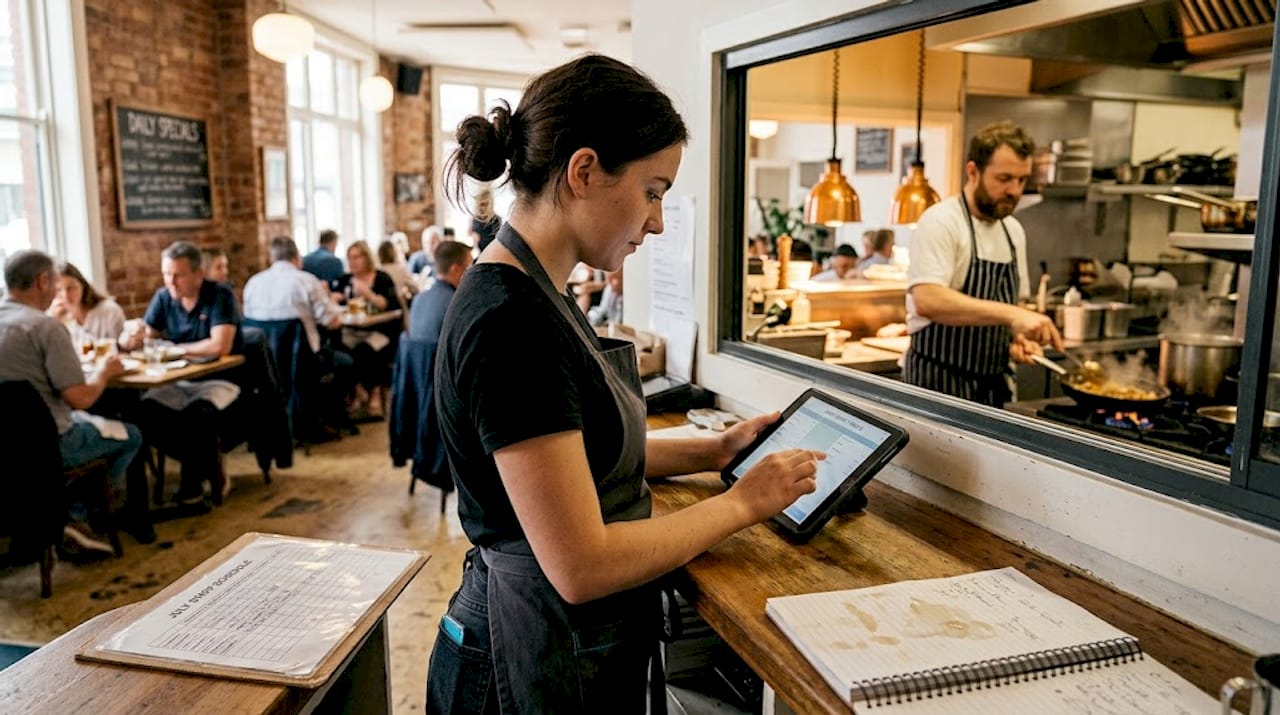
The numbers can be striking. A 60% reduction in order entry time is achievable, with error rates dropping and staff cost savings compounding over time. But you need to establish a baseline before you switch so you have something to compare against.
Before and after: sample operational improvements
| Metric | Before new POS | After new POS |
|---|---|---|
| Average order entry time | 4.5 minutes | 1.8 minutes |
| Billing errors per week | 12 | 2 |
| Inventory reconciliation time | 3 hours/week | 45 minutes/week |
| Monthly staff overtime cost | $1,800 | $900 |
| End-of-day reconciliation | 45 minutes | 10 minutes |
Track these KPIs every month for the first six months after launch:
- Cost per order: Total operating cost divided by number of orders processed
- Staff time on admin tasks: Hours spent on reconciliation, inventory counts, and manual reporting
- Order error rate: Percentage of orders that require correction or result in a complaint
- Sales uplift: Month-over-month revenue change attributed to faster table turns or upsell prompts
- Compliance readiness: Whether your system generates audit-ready reports for tax and PDPA purposes
Pro Tip: Set a calendar reminder for a 30-day, 90-day, and 180-day post-launch review. Use automated POS reporting to pull these metrics without manual work. Check the F&B staff savings data to benchmark your results against industry averages.
Why the cheapest POS isn’t always the most cost-effective
Here’s the uncomfortable truth most vendors won’t tell you: a low sticker price often signals a high long-term cost. We’ve seen restaurant owners choose the cheapest option on the market, only to spend twice as much within 18 months on add-on modules, emergency support calls, and workarounds for features that should have been standard.
Modular pricing can stack costs, while unified platforms can halve total cost of ownership when you factor in support, integrations, and peak-hour stability. In Singapore’s F&B environment, where a single hour of downtime during a Friday dinner service can cost thousands in lost revenue and reputation, stability is a financial metric, not just a technical one.
The real question isn’t “what does this cost in year one?” It’s “what does this cost me over three years, including the time my staff spends working around its limitations?” Ask every vendor for a three-year total cost of ownership (TCO) estimate before you sign anything. If they can’t provide one, that’s a signal.
“A POS is only as cost-effective as its ability to support and grow with your business needs.”
Investing in POS ownership costs transparency upfront protects you from the slow bleed of a system that almost works. Local support, scalability, and a unified platform are not premium features. They are the baseline for a system that actually earns its keep.
How Invoco POS simplifies your cost-effective POS transition
Everything covered in this guide, from grant eligibility and phased rollouts to ROI tracking and unified operations, is exactly what Invoco POS for Singapore restaurants is built around. The platform combines QR ordering, table management, kitchen printing, PayNow, GrabPay, and real-time analytics into a single dashboard that takes about 15 minutes to set up.
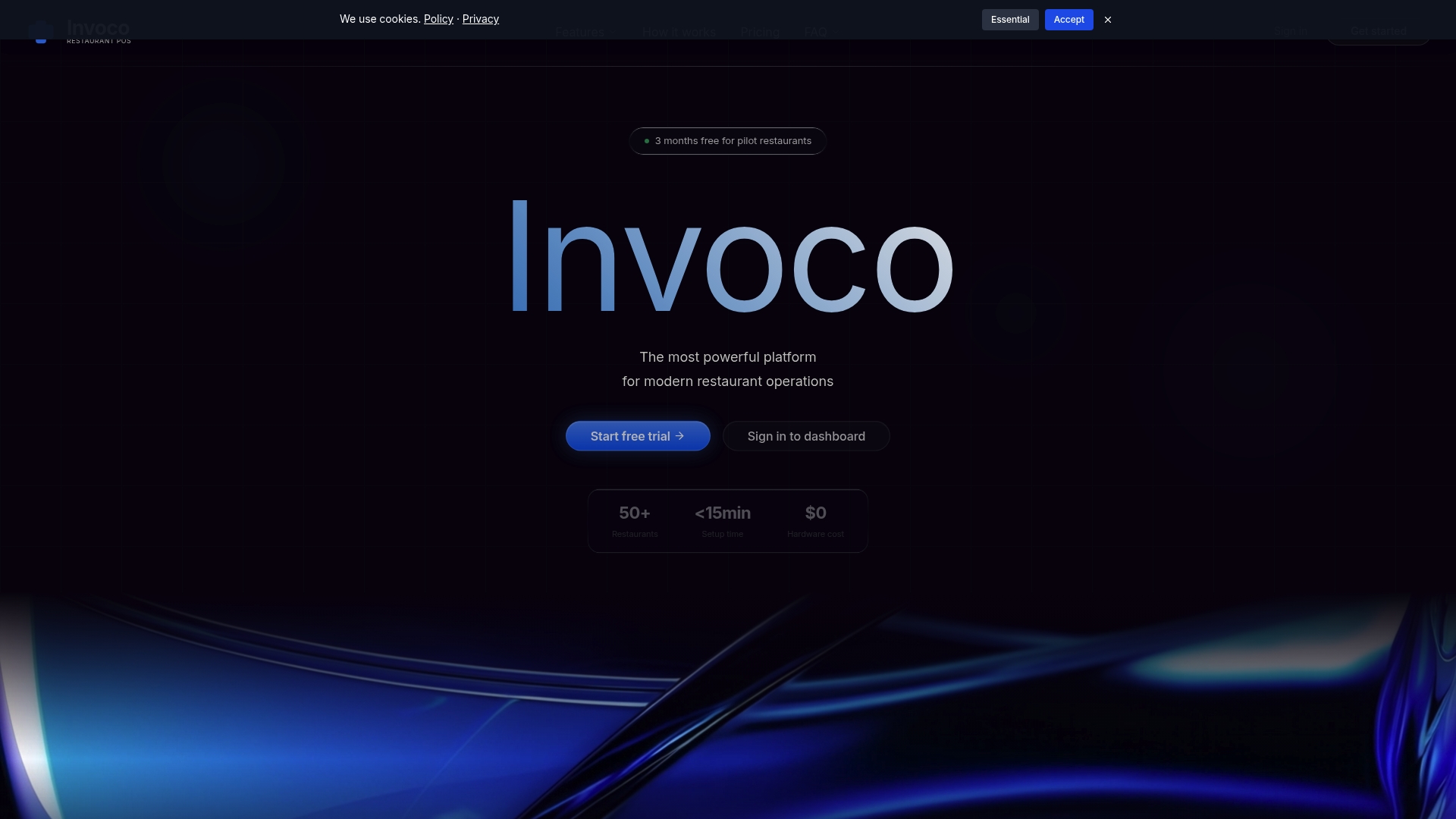
There’s no heavy hardware investment, no complicated integrations, and no overseas support queue when something goes wrong at 7pm on a Saturday. If you’re ready to move from a fragmented, expensive legacy setup to a streamlined cloud platform designed for Singapore’s F&B market, Invoco POS is built to make that transition as smooth and affordable as possible.
Frequently asked questions
How much can a Singapore restaurant save with a PSG-subsidized POS upgrade?
Eligible restaurants can save up to 50% on POS costs, cutting thousands off the initial investment. On a $5,660 system, that translates to $2,830 back in your pocket before you process a single order.
What are the common pitfalls when switching to a new POS system?
The main risks are poor staff training, incomplete data migration, and lack of support for local compliance needs. Best practices include phased rollout and a parallel pilot run before full launch.
Can self-ordering kiosks really help cut labor costs?
Yes, self-ordering kiosks can save more than $2,000 per month in manpower costs once the system is fully embedded in your service flow. The savings compound as staff redirect their time to higher-value tasks.
Do I have to replace all my hardware for a new POS?
No. Many modern cloud POS platforms support existing hardware and BYOD to lower capex, meaning you can often keep your tablets or terminals and simply switch the software layer.