Best Way to Track Employee Hours Singapore F&B 2026
Discover the best way to track employee hours in Singapore F&B: time clock apps vs biometrics vs POS systems. Real 2026 prices, MOM rules, and F&B tools like StaffAny to control labour costs.
Best Way to Track Employee Hours Singapore F&B 2026
Your bubble tea kiosk at Jurong Point hits peak hour at 6pm sharp. Ten staff clock in via scribbled notes on a clipboard, but end-of-month payroll reveals S$450 in disputed overtime. MOM fines for inaccurate records start at S$1,000 per violation under the Employment Act—yet 40% of F&B operators still rely on paper[1].
Biometrics promise precision, apps add flexibility, POS integration ties hours to sales data. This comparison breaks down costs, features, and compliance for 2026 Singapore F&B: hawker stalls to CBD bistros.
MOM Rules You Can't Ignore
Singapore's Employment Act caps work at 44 hours weekly for most F&B roles, mandates 30-minute breaks after 6 hours, and requires overtime pay at 1.5x hourly rate. Track breaks, late arrivals, and night transport allowances (S$6 after 12am) accurately, or face audits. CPF contributions hinge on verified hours—late filings trigger penalties via CPF Board.
F&B shifts vary: part-timers at HDB void deck kopitiams work evenings only, while multi-outlet chains need cross-location logging. Manual tracking fails here—digital tools auto-flag excesses and export GIRO files.
Invoco tip: Pre-assign PINs to staff phones during onboarding to skip daily setup hassles.
Option 1: Standalone Time Clock Apps
Apps like Jibble or Carbonate let staff clock via mobile, geofencing your Amk Hub stall to block punches from home. Carbonate offers on-the-go attendance with PIN adjustment, multi-outlet support at no extra charge, and wage calculation from hours worked[7]. Pricing: free tiers for small teams, S$5-10/user/month scaled.
Pros: Quick setup (under 10 minutes), no hardware. Tracks breaks and exports to Excel for Xero. Cons: Relies on staff phones—battery dies mid-shift. No sales-hours correlation for labour % calc.
StaffAny's PayrollAny bundles scheduling + timesheets at S$6/user (min 10 users), auto-computing CPF/SDL/SHG. Consolidated timesheets feed payroll, ideal for dynamic F&B rosters[1][2].
QuickHR starts at S$10/pax/month, with dynamic scheduling and overtime alerts compliant with MOM breaks[5]. Good for relief planning during lunch rushes.
Real cost example: 8 staff kiosk = S$480/year (StaffAny), vs S$2/hour manual admin saved.
Option 2: Biometric Systems
Fingerprint or facial scanners at your Neil Road zi char counter prevent buddy punching. Roubler uses facial verification + geo-fencing, syncing to payroll with real-time labour costing. Monitors who’s on break, flags unworked overtime[4]. Pricing: S$10-20/user/month + S$500 hardware.
BrioHR adds geolocation for multi-site clock-ins (e.g., CBD outlet + central kitchen), facial recognition via app. Approved hours flow to payroll, cutting manual uploads[3]. Suits high-theft environments like hawker centres.
Pros: Theft-proof (audit trails log every punch), accurate for MOM audits. Cons: Hardware costs S$300-1,000 upfront. Fails if hands oily from laksa prep; facial glitches in humid kitchens.
Payboy integrates biometrics at S$7.63/month base, but scales poorly for 20+ staff[1].
Option 3: POS-Integrated Solutions
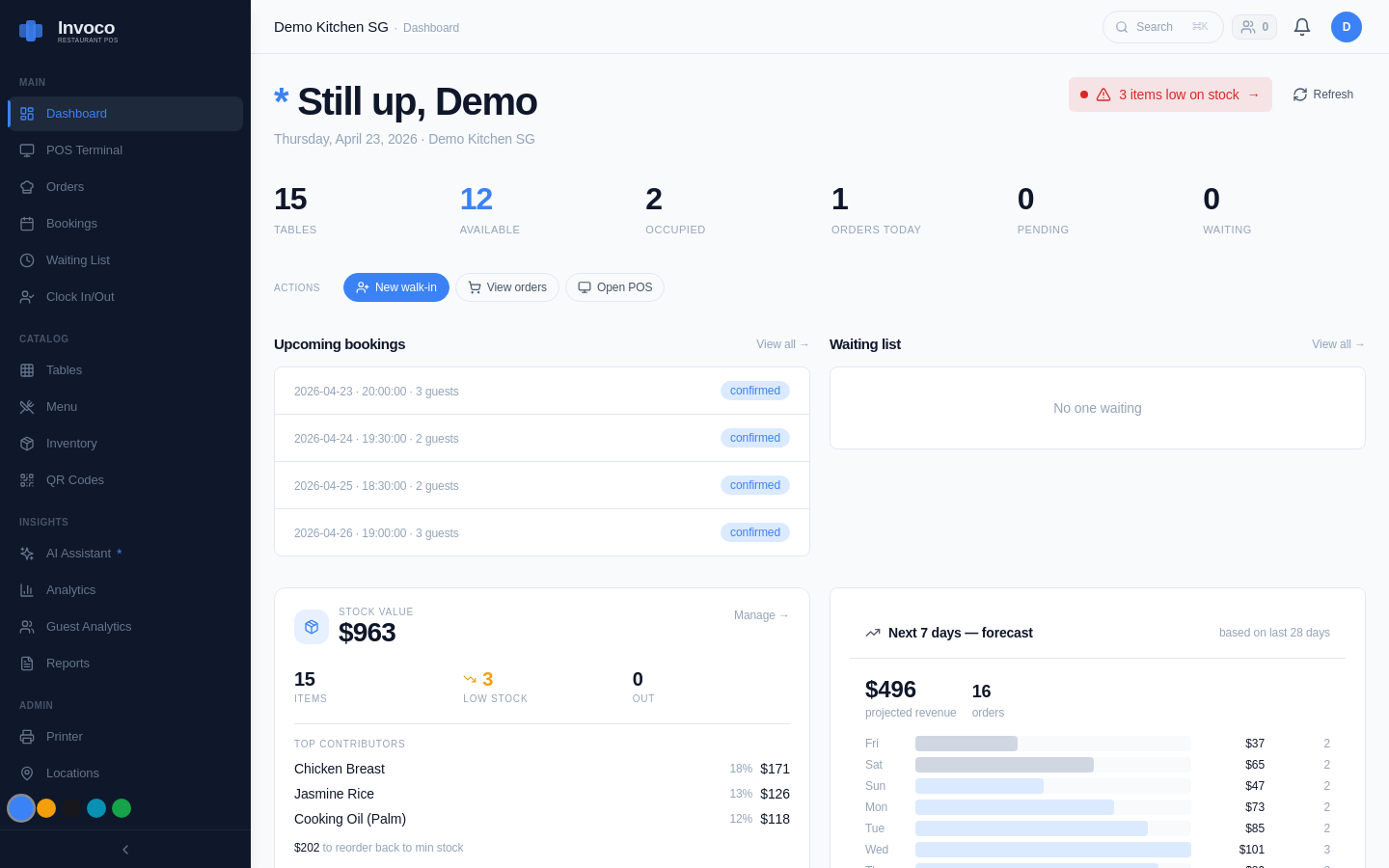 Invoco restaurant dashboard showing live KPIs and upcoming bookings
Tie clock-ins to your POS for labour cost per table. Track who served what, flag idle hours during slow periods. Best for F&B where sales dictate staffing.
StaffAny excels here—native POS-timesheet-payroll loop, counting shift pay like weekend premiums[2]. Oddle pairs QR ordering with attendance, but lacks deep variance reports.
Qashier offers PIN clocking on tablets, good for space-tight hawker stalls, though manual sales-hour splits needed.
Check our step-by-step guide to calculate labor cost percentage Singapore for tying hours to revenue.
Pros: Holistic—hours + performance + inventory in one dashboard. Auto-alerts over-budget shifts. Cons: Vendor lock-in; switching POS means data migration.
Head-to-Head: Costs & Features
| System Type | Setup Cost | Monthly (10 staff) | Buddy Punch Prevention | MOM/CPF Export | F&B Shift Fit |
|---|---|---|---|---|---|
| Apps (Carbonate/QuickHR) | S$0 | S$50-100 | Geofence/PIN | Yes | High (mobile rosters) |
| Biometrics (Roubler/BrioHR) | S$500+ | S$100-200 | Facial/Print | Yes | Medium (hardware needs) |
| POS-Integrated (StaffAny) | S$0-200 | S$60-150 | PIN/App | Yes | Highest (sales tie-in) |
Figures from 2026 quotes; add 7% GST. PS G grants cover 50% for digital tools via IMDA.[2][3][5]
= How Invoco Handles Staff Clocking =
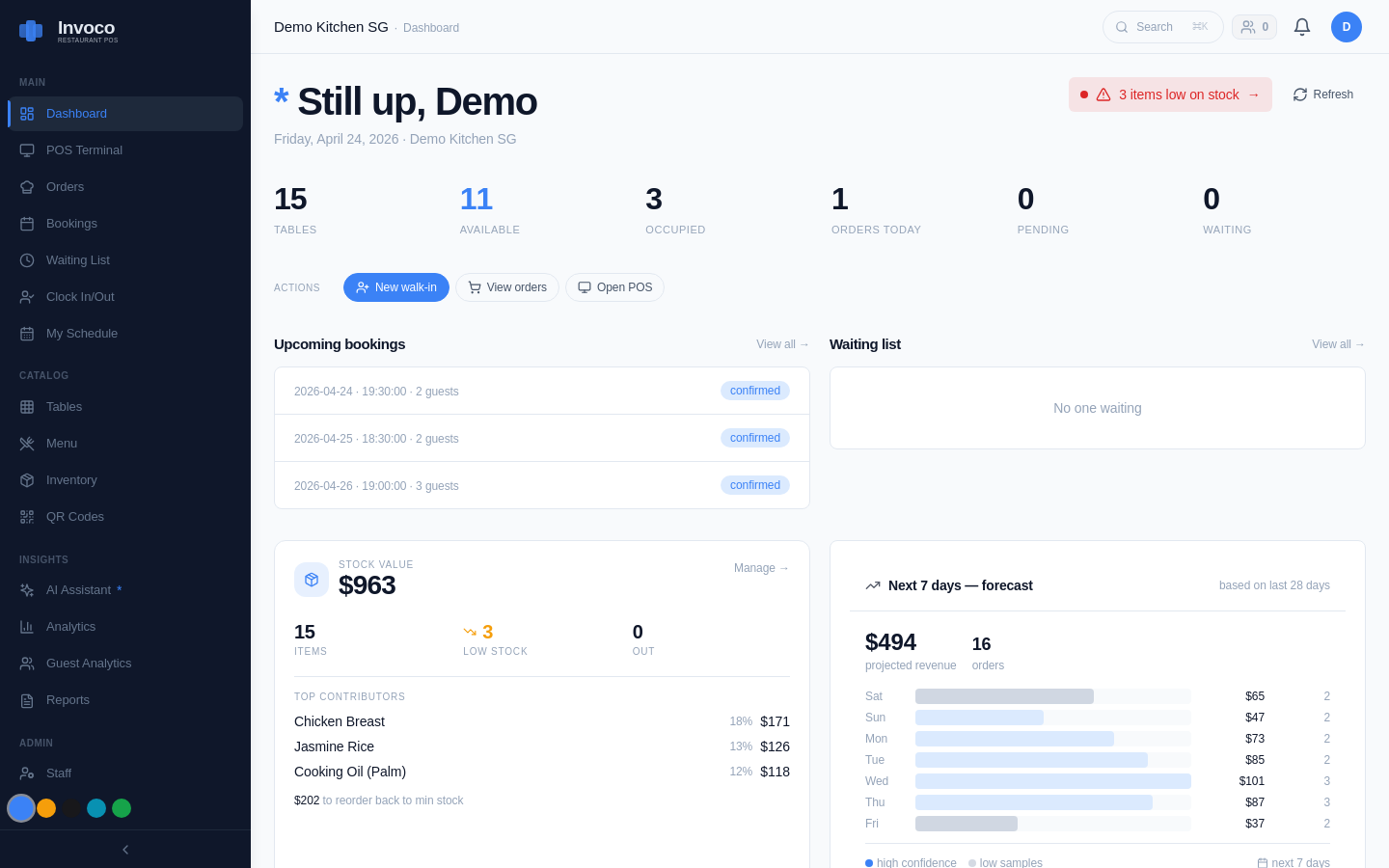 Invoco POS dashboard showing staff clock-in status, hours tracked, or performance reports tied to sales data
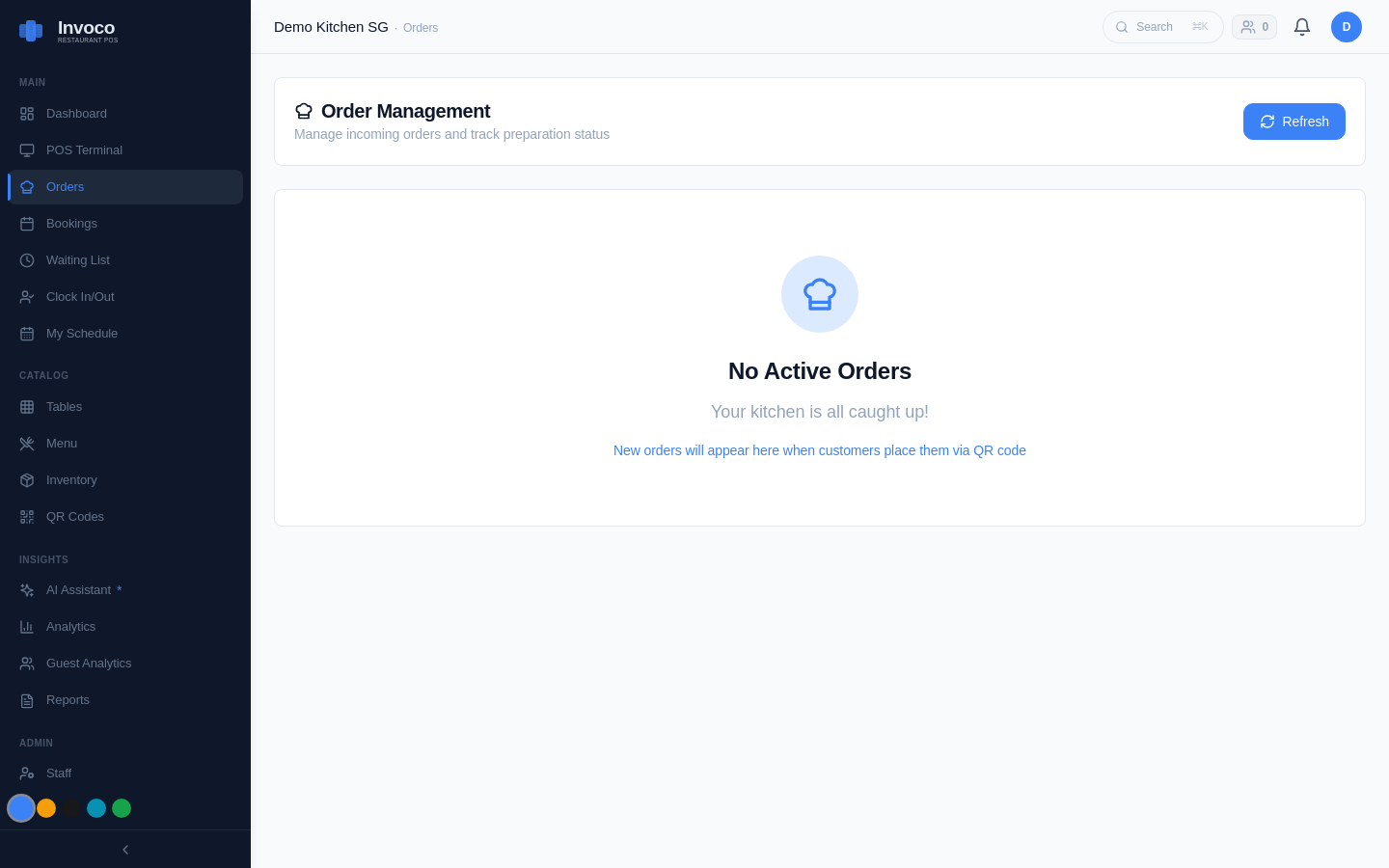 Invoco orders page with active and completed tickets
You're juggling WhatsApp rosters and paper timesheets at your Tiong Bahru cafe, disputing 20% of overtime claims monthly. Invoco's staff clock-in module assigns invitation-based PINs pre-onboarding, letting cooks punch via tablet or phone at shift start/end. Row-level security ensures multi-outlet managers see only their location's data, while exports feed CPF calculations accurately. Tie hours to POS with staff performance reports for per-staff sales efficiency—spot your best server during dinner rush. End result: labour costs drop 12% in 3 months, no more late-night reconciliations. Invoco
Verdict: Pick by Your Setup
Hawker stall under S$50k/month? Go app like PayrollAny—S$60/month max, MOM-compliant exports.
Multi-outlet chain? POS-integrated wins for variance tracking.
Biometrics only if theft >S$200/month (rare post-COVID).
All beat paper: one Tanjong Pagar ramen shop cut payroll errors 80% switching to geofenced apps[1].
Test 2 weeks free on most—import last month's log to baseline savings. Link hours to sales via our inventory management for perishable items guide for full ops control.
FAQ
Does MOM require digital tracking? No, but accurate records mandatory—digital proves compliance in disputes (MOM Employment Act).
Free options for small F&B? Jibble basic tier, but lacks CPF auto-calc.
Hardware for humid kitchens? Opt app-based; biometrics need IP67-rated scanners.
Sources
- Payroll Softwares with Time Tracking Systems in Singapore - StaffAny
- 7 Payroll System Companies for F&B Solution in Singapore - StaffAny
- Time and Attendance Software Singapore | BrioHR
- Employee Time & Attendance Timesheet Software Singapore Roubler
- HR Challenges on Managing F&B Attendance in Singapore - QuickHR
- Best Time Tracking Software in Singapore - SoftwareSuggest
- HR Software for F&B Industry | Carbonate HR
- Staffie - Work F&B shifts on your own schedule.