
Best POS for Hawker Stalls Singapore 2026: Space, Budget & Speed
Compare POS systems for Singapore hawker stalls: Qashier, Square, Lightspeed, HitPay, Invoco. Find the best fit for your budget, space, and payment needs.
A ramen stall in Tanjong Pagar has 1.5 square metres of counter space, two burners, and a till drawer stuffed with cash and IOUs. The owner, Raj, takes orders on his phone, rings up sales on a calculator, and reconciles stock by hand every Sunday—a 3-hour job. He's heard POS systems exist, but assumes they're for restaurants with dining rooms and waiters. They're not. The best POS for a hawker stall is lean, fast, and built for the exact constraints you face: no WiFi, no space, tight margins, and customers who want to pay by PayNow and leave.
Hawker stalls and small food kiosks are not mini-restaurants. You don't need table management, loyalty programs, or kitchen displays that take up counter real estate. You need a system that:
- Rings up orders in under 3 seconds
- Accepts PayNow, cash, and card on one device
- Survives unreliable WiFi (offline mode)
- Costs less than S$100/month
- Fits on a tablet or phone
- Tracks stock without manual counts
- Gives you end-of-day numbers in seconds
Let's compare five systems that actually work for hawker stalls.
Qashier POS
What it does: Cloud-based POS with offline mode, PayNow native, and a mobile-first interface. Qashier targets hawkers and small cafés across Southeast Asia.
Strengths:
- Offline mode syncs automatically when WiFi returns
- PayNow + card payments on one device
- Simple menu setup (no modifiers needed for most stalls)
- Affordable: ~S$50–80/month for a single outlet
- SMS receipts to customers
Gaps:
- Inventory is basic—no recipe costing or ingredient variance tracking
- No Xero integration for accounting
- Limited reporting (sales by hour, not by ingredient cost)
Best for: Cash-heavy stalls that want fast checkout and don't track stock in detail.
Square POS
What it does: Global POS with strong payment processing. Square is used by hawkers, cafés, and small retail across Singapore.
Strengths:
- Robust offline mode
- Card reader is compact and reliable
- PayNow support (via Square's Singapore integration)
- Detailed sales reports
- No monthly fee—you pay per transaction (~2.6% + 30¢ per card)
Gaps:
- Inventory is add-on (costs extra)
- No native SGQR+ (you'd need a separate QR code)
- Setup can feel technical for non-tech owners
- US-based company (data sovereignty concerns for some)
Best for: Stalls that process a lot of card payments and want to avoid monthly fees.
Lightspeed POS
What it does: Cloud POS with strong inventory and multi-outlet support. Lightspeed is popular in Singapore's mid-market (cafés, small chains).
Strengths:
- Inventory tracking with stock alerts
- Multi-outlet dashboard (if you expand)
- PayNow + card payments
- Kitchen display system (KDS) available
- Offline mode
Gaps:
- Pricier: ~S$150–250/month for a single outlet
- Overkill for a single-stall operation
- Requires more setup and training
- Less common in hawker centres (fewer local case studies)
Best for: Stalls planning to expand to 2–3 outlets or that need serious inventory control.
HitPay POS
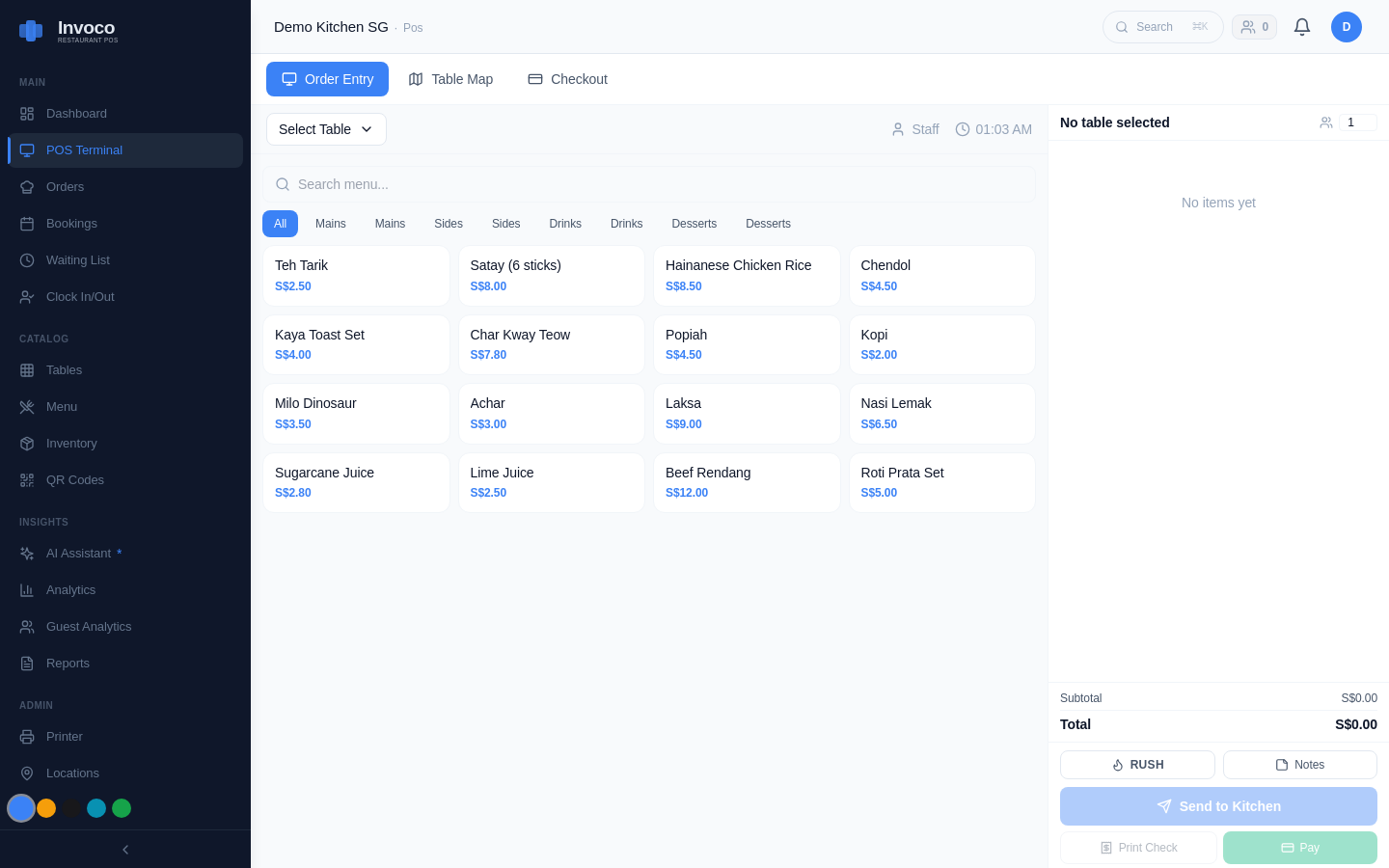 Invoco POS terminal checkout view with menu and payment options
What it does: Singapore-built POS with strong payment focus. HitPay emphasizes SGQR+, PayNow, and compliance.
Strengths:
- Native SGQR+ (one QR code for all payment methods)
- PayNow + card + e-wallet on one device
- Offline mode
- MAS-compliant (important for regulated businesses)
- ~S$60–100/month
Gaps:
- Inventory is basic
- No recipe costing
- Fewer integrations (no Xero)
- Smaller ecosystem (fewer third-party apps)
Best for: Stalls that want all-in-one payment and are happy with simple sales reporting.
Invoco POS
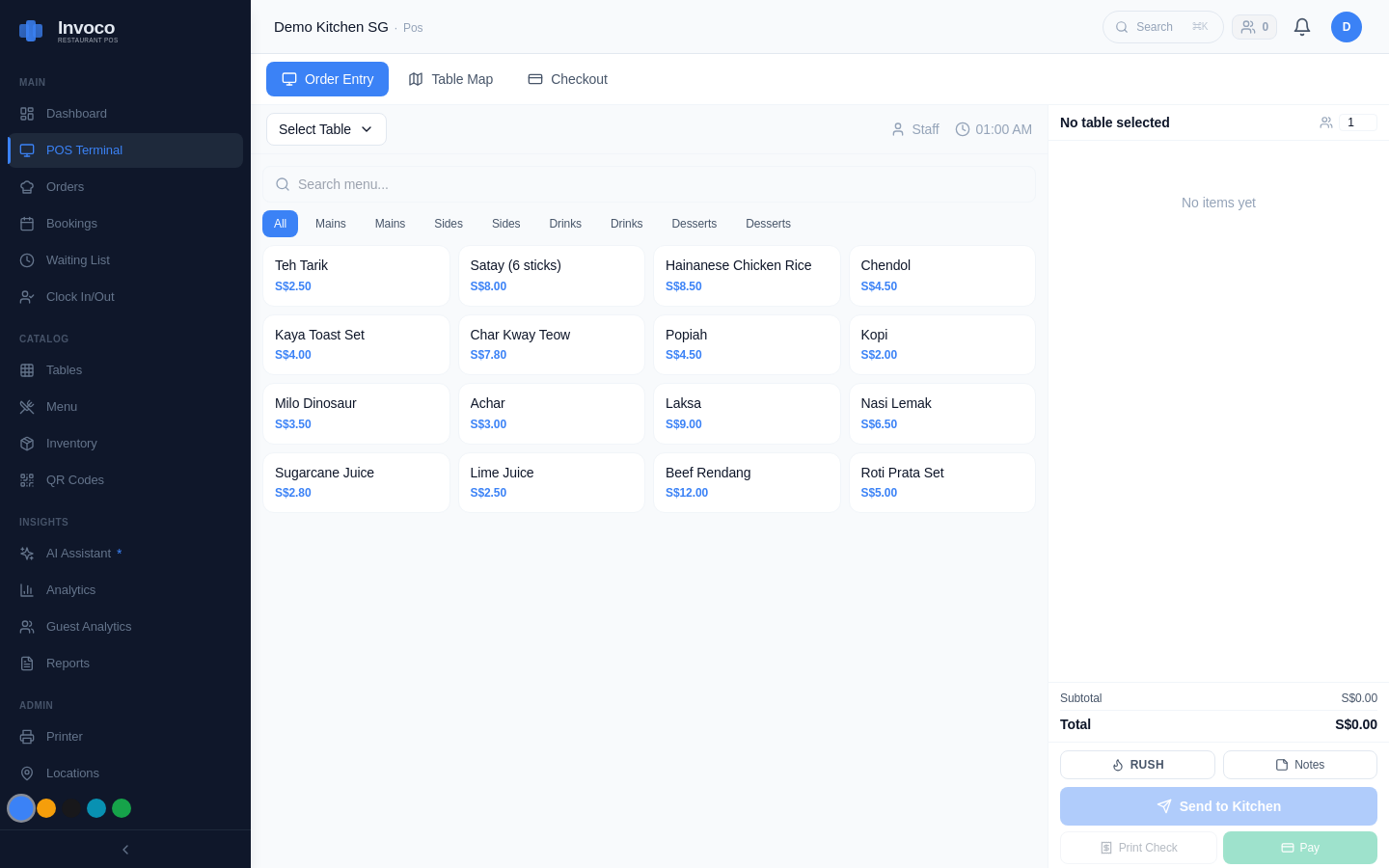 Invoco POS terminal showing Singapore hawker menu grid with PayNow payment option, fast order entry on tablet-sized screen
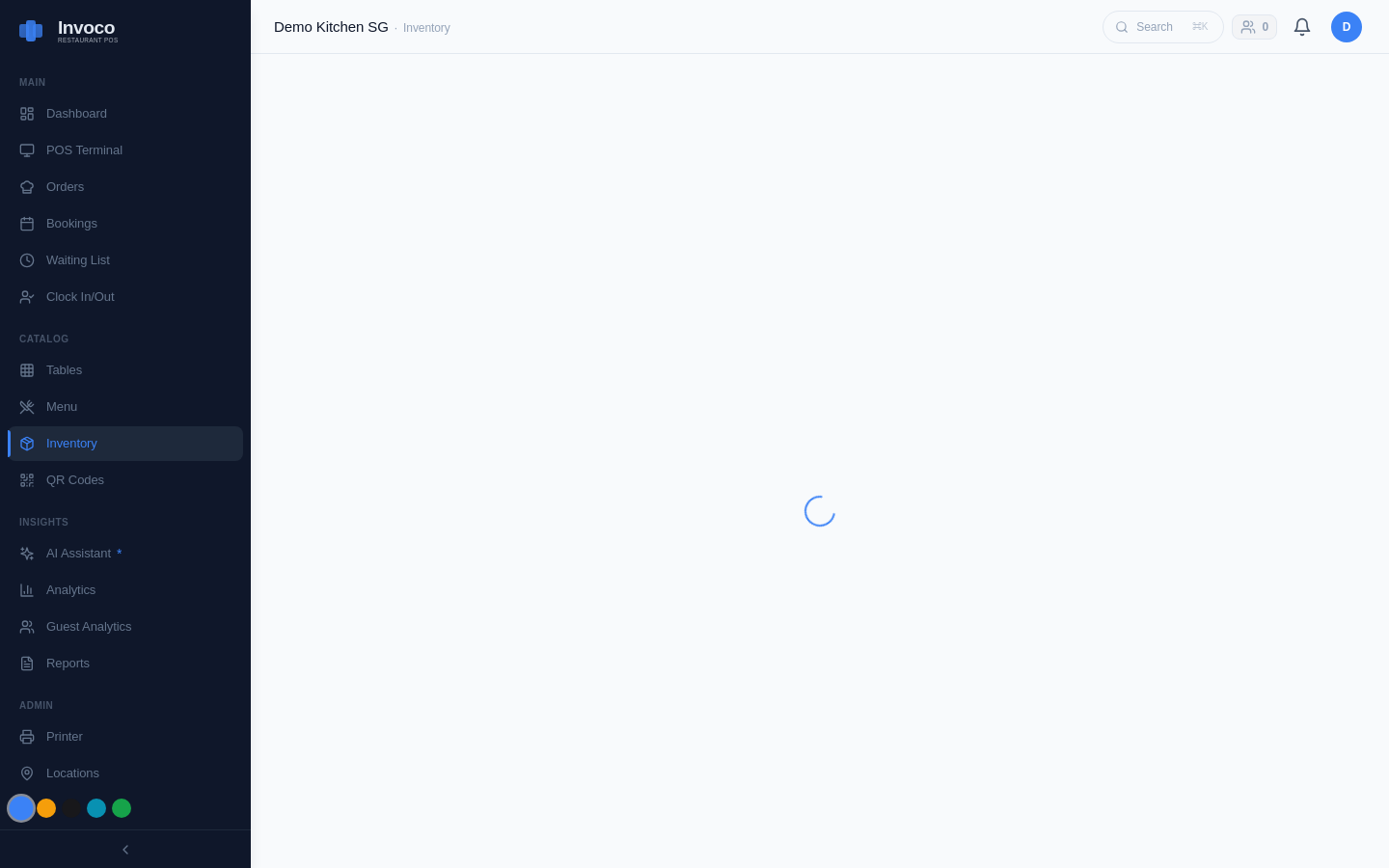 Invoco inventory management page tracking ingredients and stock levels
What it does: Multi-tenant SaaS built for Singapore F&B, from hawker stalls to small chains. Invoco emphasizes inventory, costing, and compliance.
Strengths:
- Offline mode (works on unreliable hawker-centre WiFi)
- PayNow + card payments native
- AI invoice OCR (upload supplier PDFs, auto-post to stock)
- Recipe costing with weighted-average cost (rare in this tier)
- COGS + ingredient variance report (flags over-usage)
- Xero integration (push invoices as bills, auto-match GST)
- Multi-outlet + multi-tenant (franchisees see only their data)
- ~S$49/month entry plan
Gaps:
- Newer to market (smaller user base than Qashier or Square)
- Requires more upfront menu setup (but pays off if you track costs seriously)
Best for: Stalls that want to control food cost, reduce shrinkage, and automate supplier invoicing.
Invoco tip: If you're spending more than 2 hours a week on stock counts or supplier invoices, a system with OCR and variance reporting will pay for itself in labour savings alone.
How to Choose
Ask yourself three questions:
1. Do you track stock and supplier costs? If yes → Invoco or Lightspeed. If no → Qashier or HitPay.
2. How much do you spend on card processing? If high (>S$2,000/month in card sales) → Square (pay per transaction). If low → Qashier, HitPay, or Invoco (flat monthly fee).
3. Are you planning to expand? If yes → Lightspeed or Invoco (both scale to multi-outlet). If no → Qashier or HitPay (simpler, cheaper).
Why Offline Mode Matters
WiFi in Singapore hawker centres is unreliable.[7] A system that syncs automatically when connection returns—rather than requiring manual re-entry—saves you hours of frustration. All five systems above have offline mode. Test it before you commit.
GST and Compliance
If you're GST-registered, your POS must track taxable and exempt sales separately. IRAS requires this for your quarterly returns. Qashier, Square, Lightspeed, HitPay, and Invoco all support GST reporting. Invoco's Xero integration automates the push of approved invoices as ACCPAY bills, auto-matching GST rates—saving you manual entry.Invoco
Grants and Funding
If you're a sole proprietor or partnership, check the Productivity Solutions Grant (PSG) from IMDA. PSG co-funds up to 70% of POS software costs (capped at S$5,000 per solution). Most POS systems on this list are PSG-approved. Apply via GoBusiness portal.
The Verdict
For a single hawker stall with tight space and budget:
- Fastest checkout + lowest cost: Qashier or HitPay (~S$60–80/month)
- Best all-in-one payment: HitPay (SGQR+, PayNow, card, e-wallet)
- Best for cost control: Invoco (OCR invoicing, variance reports, Xero sync)
- Best if expanding: Lightspeed or Invoco (multi-outlet ready)
Raj, the ramen stall owner, doesn't need a kitchen display or loyalty program. He needs a tablet that rings up orders, accepts PayNow, and tells him at 10 p.m. how much he sold and what he spent on ingredients. Any of these five will do that. The question is which one fits your workflow and your margins.
Sources
- 2025 Guide to Choosing a POS for Singapore Hawker Stalls - HitPay
- F&B POS System Selection Guide for Singapore: How to Choose the ...
- Best POS Systems for Small Food Stalls in 2025 - Hashmato
- Top 5 POS Systems for Food & Beverage in Singapore 2025
- POS System for F&B | Cafés | Food Kiosk in Singapore - Qashier
- How to choose a POS for your food court, food or drink stall?
- Building Offline-First POS for Singapore Hawker Centres
- Top 15 POS Systems in Singapore: Price and Features